Tally Cloud Migration Mistakes and How to Avoid Them

A Tally cloud migration is the move of a working TallyPrime company from an office computer or local server onto a remote server that your team opens over a network. The mistakes that hurt are ordinary: a backup that was never restored, rights that were never reviewed, a TDL that was never tried on the new host, and a switch with no parallel run. This page is a practical list of those gaps. For what “safe” should mean after you move, see is Tally Cloud safe for accounting data.
Moving without a tested backup
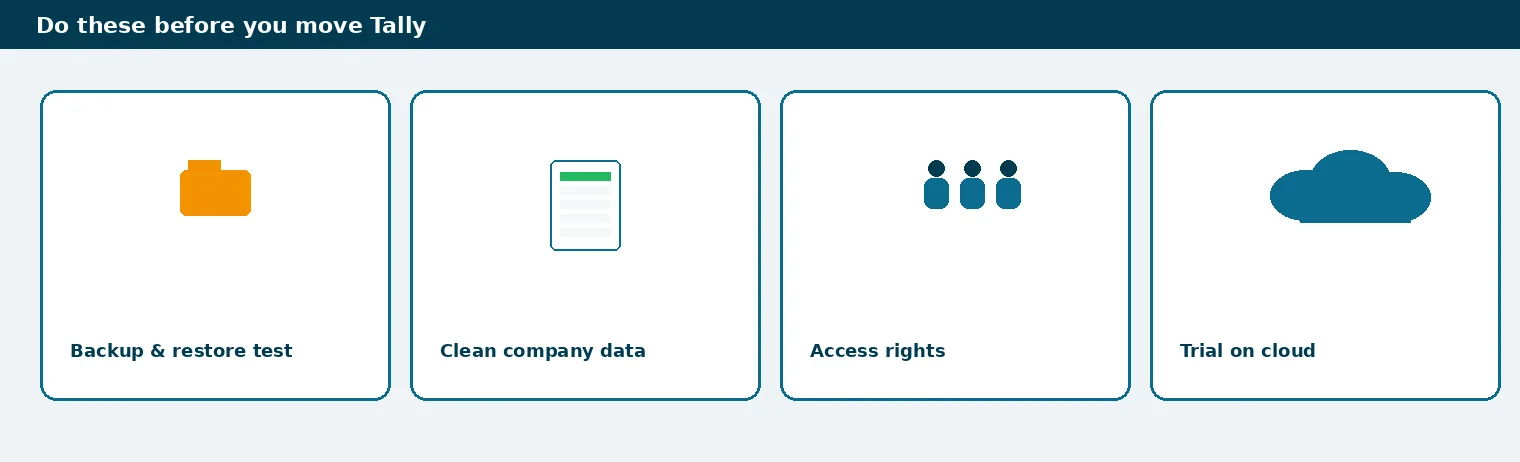
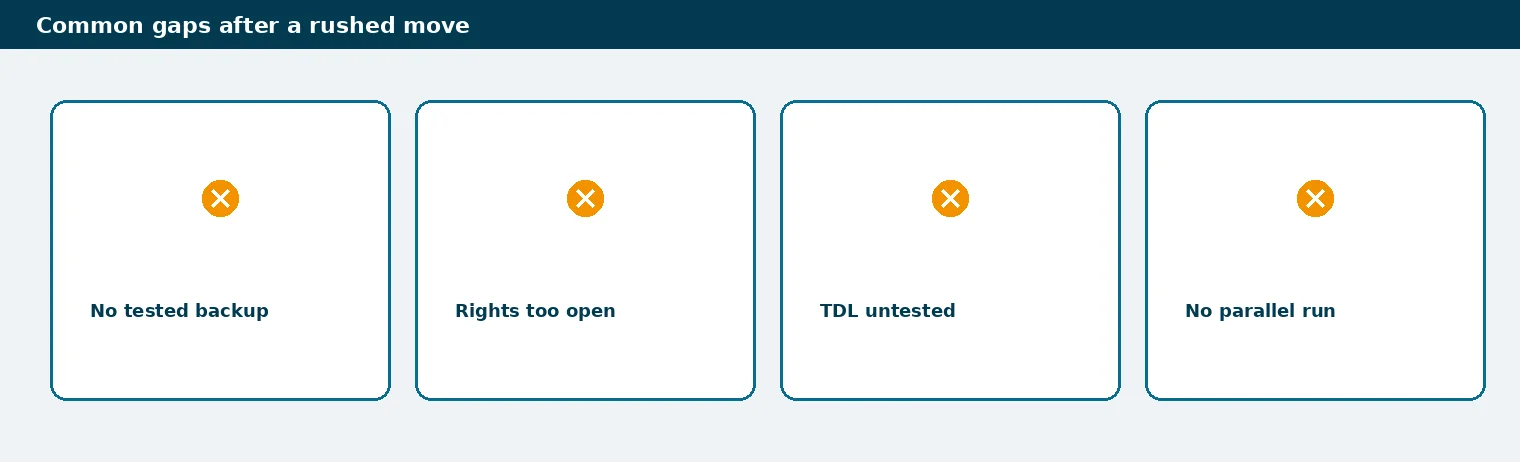
A folder copy you have never opened is not a tested backup. Before you migrate, take more than one copy, store one away from the machine you are leaving, and restore it far enough to open the company and post a test voucher. If that restore fails, fix the backup first. Automated backups help after the move; they do not replace this check.
Taking dirty data with you
Duplicate ledgers, unused items and unresolved errors travel with the company file. They do not get cleaner on a remote server. List the obvious duplicates, repair what TallyPrime’s own data tools can fix, and agree whether older years need to be opened every day or can be archived. Cleanup is easier to judge on a local copy than after everyone has new login steps.
Access rights left too open
A migration is the moment to review who can create vouchers, alter masters, export data or print. Remote access does not create that risk by itself, but it does make a loose user list more serious. Set roles on the trial copy and sign in as each role once. If the remote access layer can add a second login factor, ask for that to be configured and tested too.
TDLs and links left untested
Custom TDL, invoice layouts and links to other systems can behave differently on a new host or TallyPrime version. Run them on the trial cloud copy: print an invoice, post the unusual voucher, and fire the integration you rely on. Note anything that needs a rebuild before the live switch, not after.
Going live with no parallel run
A parallel run means the team works in the cloud copy for an agreed period while you still have a known local path, then you compare vouchers, stock and GST reports. Skipping that step turns the first production morning into the test. Keep the window short, but keep it.
Training and support left late
People need the new login path, the print path and the backup path in writing. An admin user should know how to add or lock a user. A named support contact should exist before the switch, not in a chat thread after the first failed login. Plan cost and inclusions against Tally Prime Cloud price and, if you are comparing setups, TallyPrime on AWS versus managed Tally Cloud.
Hosting questions left unasked
Ask, in writing, where the company data will sit, who can access the server, how backups are taken and restored, and what happens if the host is down. Check those answers against your own compliance needs. Do not treat a marketing page as the agreement.
A short checklist
Tally cloud migration checks
| Check | Done when | If you skip it |
|---|---|---|
| Backup and restore | A backup opens and posts a test voucher on another system | You have no known-good copy if the move fails |
| Data cleanup | Duplicate ledgers and obvious errors are listed and fixed | The same mess is now on the remote server |
| Access rights | Each role can do only what it should, including export and print | More people can download or alter the company than you meant |
| TDL and integrations | Custom work and links run on a trial cloud copy | A report or posting path breaks on the first live morning |
| Parallel run | A set of live days is compared: vouchers, stock, GST reports | Issues appear only after everyone has already switched |
| People and support | Login, print and backup steps are written down; a named contact exists | The first problem sits with whoever is free |
Complete these on a trial copy before the live company is switched.
Conclusion
Most Tally cloud migration mistakes are skipped checks, not exotic failures. Test a restore, clean what you can, review rights, try your TDLs, run in parallel, and write down how people will log in and get help. If you want that move handled with those checks, see Tally on Cloud or message us on .
FAQs on Tally cloud migration mistakes
1. What is a Tally cloud migration?
It is moving a working TallyPrime company onto a remote server that users open over a network, instead of only on an office computer or local server.
2. What is the first check to make?
Take more than one backup and restore one far enough to open the company and post a test voucher, before any live move.
3. Should custom TDL move on the same day as the company?
Only after those TDLs and any integrations have been tried on a trial cloud copy.
4. Is a parallel run really needed?
A short comparison of vouchers, stock and GST reports against a known copy is how you find gaps before everyone has switched.
5. What should I ask a provider in writing?
Where the data is stored, who can access it, how backups are restored, and how support works if the host is unavailable.
Continue Reading
Get a personal consultation.
Call us today at
Want our TallyPrime tips in Google first? Add us as a preferred source.