

Excel to Tally Import Services for Faster TallyPrime Data Entry.
Move ledgers, vouchers, invoices, stock, masters, bank entries, and bulk accounting data from Excel into TallyPrime with mapped templates, validation rules, and practical import support.
- Import feasibility review
- Mapped Excel templates
- Validation and reconciliation
- Post-go-live support
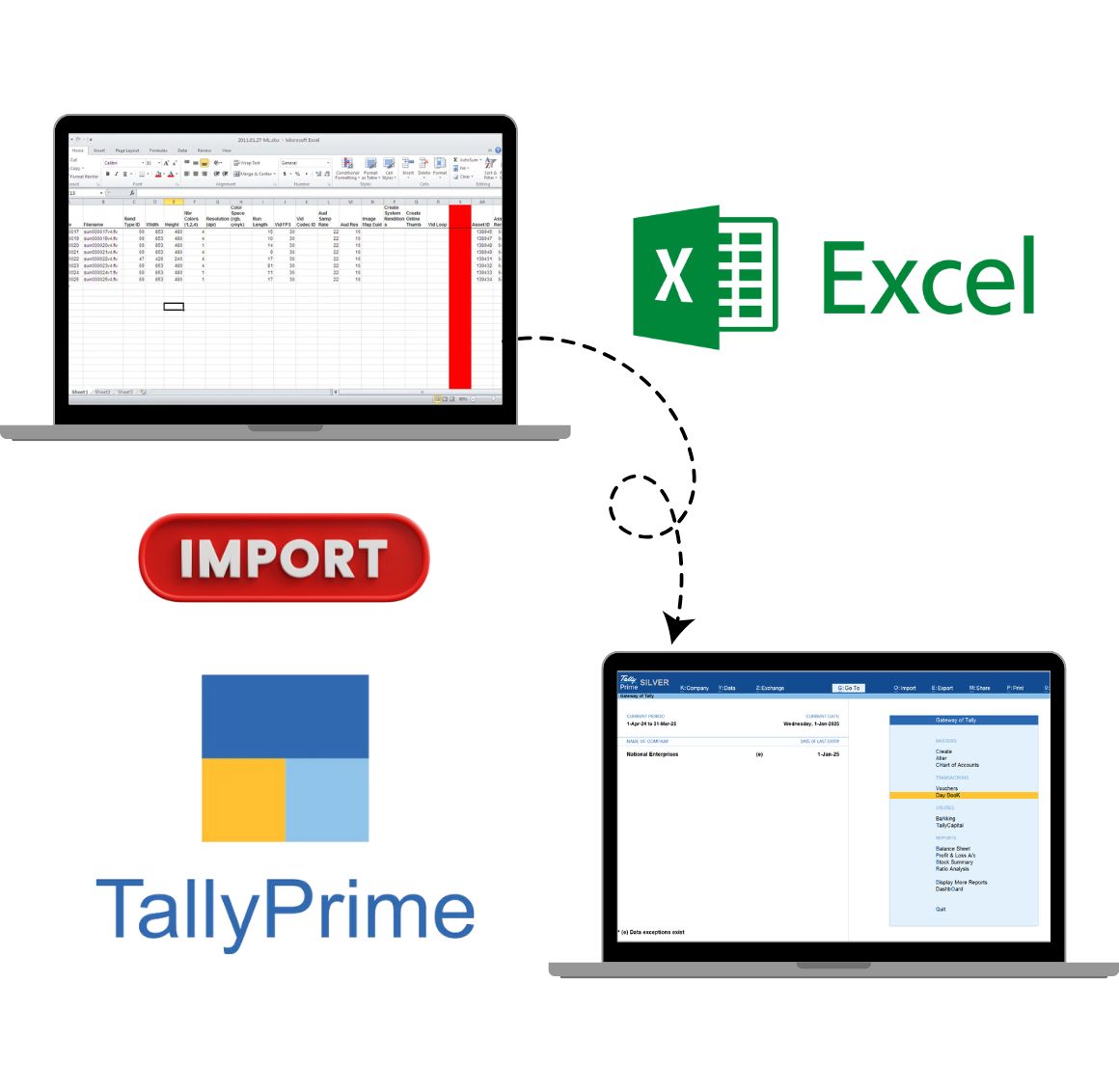
Manual Excel entry creates avoidable accounting work.
Excel is useful for collecting business data, but repeated manual entry into TallyPrime can create delays, duplicate records, missing fields, and inconsistent reporting. A planned import workflow helps your team move structured data faster with better control.
Repeated spreadsheet entry
Sales, purchase, bank, and branch data often gets copied into TallyPrime again after being prepared in Excel.
Unmapped columns
Different teams may use different Excel formats, ledger names, tax columns, or item fields.
Voucher and invoice workload
Bulk invoices, debit notes, credit notes, receipts, payments, and journal entries can take hours to enter manually.
Validation gaps
Missing ledgers, duplicate references, wrong dates, tax mismatches, and narration issues need checks before import.
What Excel data can be imported into TallyPrime?
We first identify the source format, required TallyPrime destination, master dependencies, validation rules, and expected output before planning the import approach.
A reliable Excel import starts with three checks.
The safest import method depends on how clean the Excel file is, how TallyPrime should receive the data, and how your team wants to verify the imported records.
Template and field mapping
Confirm columns, required fields, ledger names, item details, tax fields, voucher types, and destination screens.
Validation and duplicate control
Define checks for missing masters, duplicate references, date formats, tax values, amount mismatches, and narration rules.
Recurring import workflow
Decide whether the import is one-time, monthly, branch-wise, ecommerce-driven, bank-driven, or part of a repeatable process.
How Excel to Tally import customization works.
The process is designed to reduce rework by checking feasibility, sample files, validation rules, and import output before go-live.
Requirement review
Share your Excel file, voucher type, fields, reports, GST needs, and expected import output.
Template mapping
We map Excel columns to TallyPrime masters, vouchers, ledgers, items, references, and required fields.
Validation plan
Checks are defined for missing data, duplicates, tax values, masters, amounts, dates, and import readiness.
Test import
Sample data is imported and verified against the expected voucher, ledger, inventory, or report output.
Go-live support
Your team receives implementation guidance, template usage support, and early-stage issue resolution.
Built for teams that receive business data in Excel.
If your team already prepares structured spreadsheets, the next step is to make that data usable inside TallyPrime with less manual entry and clearer validation.
Where Excel to Tally import helps most?
These examples are starting points. The final scope is mapped after reviewing your Excel format, sample data, and TallyPrime workflow.
Common Excel import requirements we can review.
These examples show how import customization can support different business teams without forcing every department into the same spreadsheet format.

Ecommerce business
Marketplace and website orders often arrive as Excel exports with tax, settlement, shipping, and stock fields that must be recorded inside TallyPrime.
- Order and invoice import
- Settlement and payment mapping
- Stock and GST field review

Export business
Export teams may need structured imports for party records, currency details, invoices, shipping references, item data, and reporting fields.
- Party and invoice data import
- Shipping and reference fields
- Custom validation before upload
Excel to Tally import guides.
Use these guides if your team is still exploring the best import method, file format, or error-resolution approach before requesting customization.
Excel to Tally import FAQs.
Short answers to the questions businesses usually ask before planning an Excel to TallyPrime import workflow.
Can Excel data be imported into TallyPrime?
Yes. Excel data can be imported into TallyPrime when the spreadsheet columns, masters, vouchers, dates, taxes, ledgers, and validation rules are mapped correctly before upload. You can also read this Excel to Tally file import guide.
What type of Excel data can be imported into TallyPrime?
Common imports include ledgers, stock items, sales invoices, purchase vouchers, journal entries, receipts, payments, debit notes, credit notes, opening balances, and selected inventory records.
Do you provide a ready Excel to Tally import tool?
We review the business requirement first and then suggest the suitable import approach. Some teams need a reusable template, while others need workflow-specific validation and customization.
Can GST invoice data be imported from Excel to TallyPrime?
GST invoice data can be imported when party details, GSTIN, tax ledgers, item details, HSN or SAC, rates, quantities, and tax calculation fields are mapped properly.
Can bank statement data be imported into TallyPrime?
Bank statement import can be planned for payment, receipt, contra, and reconciliation workflows depending on the bank format, narration rules, ledgers, and approval process.
Is Excel to Tally import safe for existing company data?
Import should be tested with sample data first. Backups, validation rules, duplicate checks, and controlled approval are recommended before moving any bulk import into live company data.
How long does Excel to Tally import customization take?
Timeline depends on the number of templates, voucher types, fields, validations, GST rules, master dependencies, testing scenarios, and feedback cycles.
Do you support recurring Excel imports?
Yes. Recurring imports can be planned when your team regularly receives Excel files from branches, ecommerce platforms, sales teams, banks, vendors, or other business systems.
Build the next layer around your TallyPrime workflow.
Excel import often connects with reporting, fields, integrations, and security requirements as the workflow matures.
Need Excel data to move into TallyPrime cleanly?
Share your Excel format, required voucher type, sample data, and expected TallyPrime output. We will review the import feasibility and recommend the right customization approach.
