

Tally on Cloud Services for Secure Remote TallyPrime Access.
Set up TallyPrime for authorized remote access across offices, branches, and distributed teams with cloud deployment planning, data migration, user setup, backup coordination, and ongoing support.
- Remote-access requirement review
- Data migration and user setup
- Backup and access planning
- Post-go-live assistance

Choose the right Tally on Cloud service area.
These focused service pages help you choose the right Tally on Cloud support for remote access, user control, multi-user performance, backups and security.
When does Tally on Cloud make practical sense?
Cloud access is useful when the accounting workflow must continue securely across locations, users, devices, or changing infrastructure needs.
Multiple branches
Give authorized teams a consistent way to work with centrally available TallyPrime data across locations.
Distributed accounts teams
Support accountants, finance managers, and approved users who need access outside the main office.
Owners who travel
Enable business owners and managers to review approved accounting information when working remotely.
CA and finance collaboration
Plan controlled access for external finance professionals without repeatedly moving company data files.
Limited local infrastructure
Reduce dependence on a single office computer or locally managed server for day-to-day access.
Changing user requirements
Review a deployment that can be adjusted as authorized user count and workload requirements evolve.
What can a Tally Cloud service include?
The exact setup is planned around your licensed TallyPrime environment, user count, data size, existing TDLs, printing needs, integrations, and expected working hours.
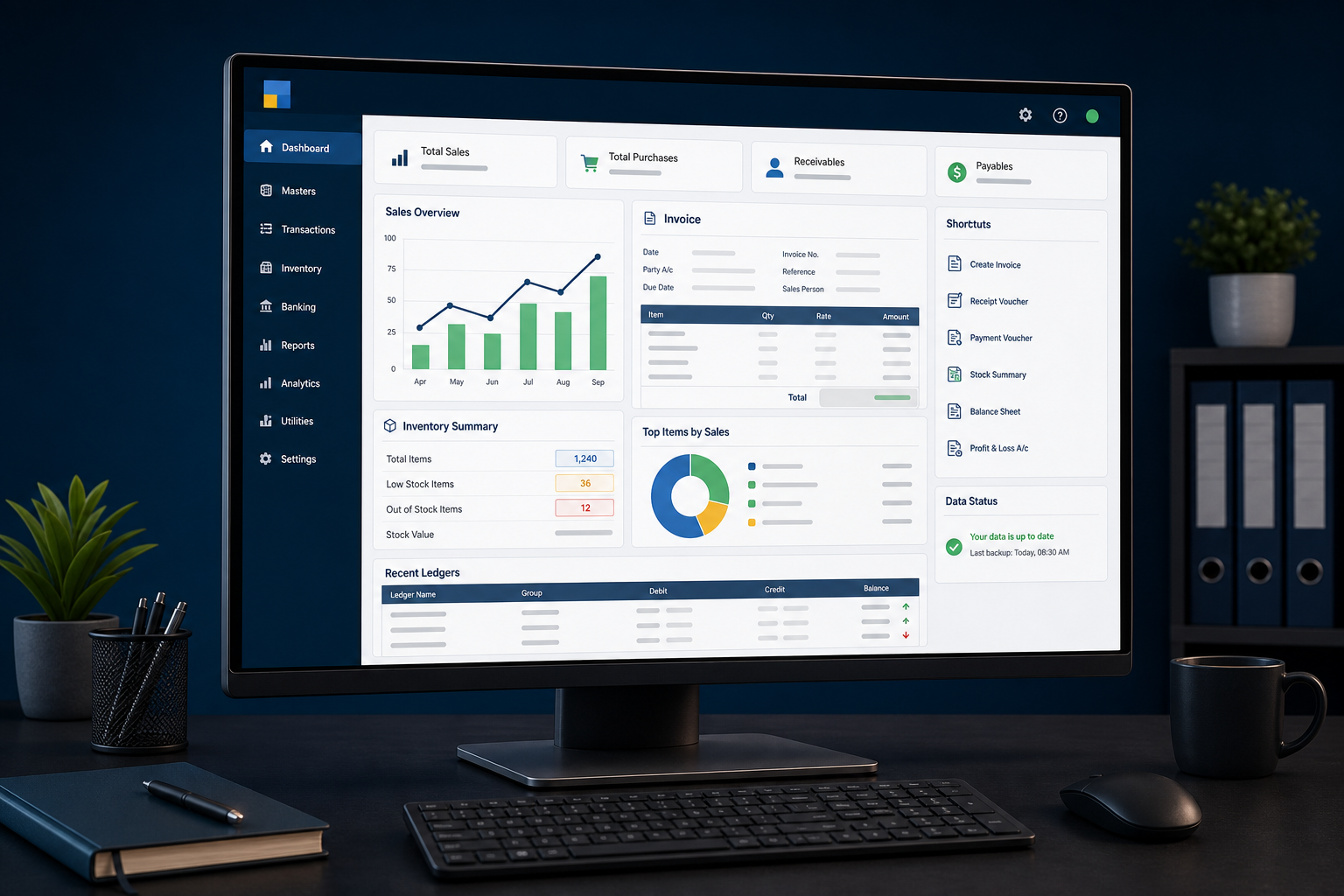
The right cloud setup starts with three decisions.
A reliable recommendation depends on who will use TallyPrime, what must run with it, and how access and continuity should be managed.
Users and locations
Define simultaneous users, branches, remote teams, working hours, device expectations, and any external accountant access.
Data and workload
Review company data size, transaction volume, reporting activity, custom TDLs, connected tools, and storage needs.
Access and continuity
Agree user controls, backup expectations, recovery responsibilities, support coverage, and the hosting provider’s available safeguards.
How a Tally on Cloud deployment works?
The process is designed to identify dependencies early, test access carefully, and reduce avoidable disruption during migration.
Requirement review
Confirm users, locations, data, current setup, TDLs, printers, integrations, and support expectations.
Environment planning
Recommend a suitable deployment approach and document important technical dependencies.
Setup and migration
Prepare the approved environment, move selected data, and configure authorized access.
Testing and validation
Check login, company access, TDL behavior, printing, backup routines, and representative workflows.
Go-live and support
Complete the agreed transition, guide users, monitor early usage, and handle scoped support queries.
Cloud access should be convenient without becoming careless.
Security and continuity depend on the selected infrastructure, configuration, operating practices, and clear responsibility between the business, hosting provider, and support team.
Authorized user access
Limit cloud and TallyPrime access to approved people with role-appropriate permissions.
Credential discipline
Use strong authentication practices and avoid shared credentials where the environment supports individual access.
Backup planning
Define backup frequency, retention, ownership, and the method for requesting or testing restoration.
Recovery readiness
Clarify recovery procedures and realistic restoration expectations before relying on the setup.
Access review
Remove inactive users and review permissions when employees, branches, or responsibilities change.
Support ownership
Know who handles hosting, TallyPrime, internet, customization, licensing, and user-side issues.
What determines Tally Cloud pricing?
There is no useful one-price answer without knowing the number of users, required resources, data size, support level, backup expectations, custom TDLs, and any special printing or integration needs. We review these inputs before recommending a setup or quotation.
- Number of simultaneous users
- Compute, memory, and storage requirement
- Backup retention and support coverage
- Existing TDLs, add-ons, and integrations
- Migration, printing, and operational setup
Which Tally Cloud requirement sounds familiar?
These are practical starting points. The final recommendation should follow a review of users, data, connectivity, customizations, and operating expectations.
Tally on Cloud FAQs
Short answers to the questions businesses commonly ask before moving TallyPrime to a hosted environment.
What is Tally on Cloud?
Tally on Cloud generally means running a licensed TallyPrime environment on hosted infrastructure so authorized users can access it remotely. The hosting, user access, backup, and support arrangement should be reviewed before deployment.
Can I access TallyPrime from anywhere?
Authorized remote access can be provided from supported devices and locations with a suitable internet connection. The exact experience depends on the hosted environment, connectivity, user permissions, and workload.
Is Tally on Cloud suitable for multiple users and branches?
It can be suitable for distributed teams when the environment is sized for simultaneous users and the company data, TDLs, printing needs, and access controls are tested properly.
How much does Tally Cloud cost?
Pricing depends on users, required resources, storage, backup retention, support, migration effort, custom TDLs, and integrations. Review our TallyPrime cloud pricing guide and request a requirement-based quotation.
Can my existing TallyPrime data be moved to the cloud?
Yes, approved company data can be migrated after backup and validation. The process should include a review of data size, version, user access, TDLs, add-ons, and representative workflows.
Will my existing TDL customizations work on cloud?
Many customizations may work, but compatibility should not be assumed. Existing TDLs, add-ons, external utilities, integrations, and printing workflows should be reviewed and tested in the target environment.
Is Tally Cloud secure?
Security depends on the hosting provider, configuration, authentication, user permissions, backup practices, device hygiene, and operating discipline. We help define and review the controls relevant to the agreed setup.
Can I print invoices and reports locally?
Local printing may be supported, but printer type, remote-session configuration, drivers, network conditions, and document workflows should be checked during testing.
Do you support businesses outside India?
Remote TallyPrime cloud assessment, setup coordination, and support can be provided for businesses across India, the UAE, the Middle East, Africa, Singapore, Malaysia, and other regions, subject to technical and service feasibility.
How long does a Tally Cloud setup take?
Timelines vary with user count, environment readiness, data size, TDLs, integrations, testing, printing requirements, and approval cycles. An estimate is provided after the requirement review.
Services often planned alongside cloud access.
Need reliable remote access to TallyPrime?
Tell us how many users and locations you have, what data and customizations must move, and how your team expects to work. We will review the requirement and recommend the next practical step.
