

TallyPrime API Integration Services for Connected Business Systems.
Connect TallyPrime with ERP, CRM, ecommerce, POS, websites, mobile apps, and custom applications to reduce duplicate entry and create a more reliable flow of business data.
- Integration feasibility review
- One-way or two-way data flow
- Validation and reconciliation
- Post-go-live support
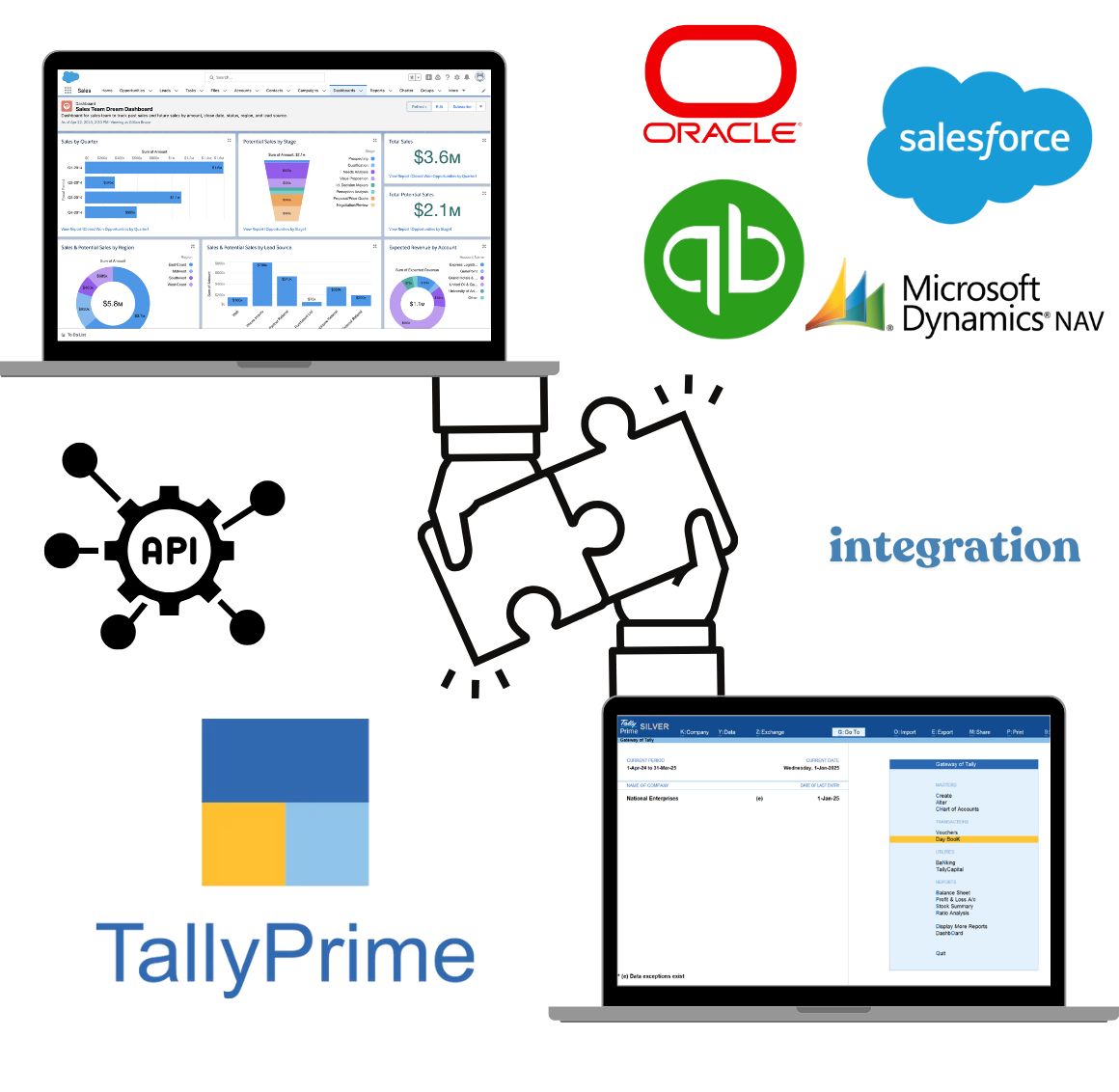
What can TallyPrime connect with?
The right architecture depends on the external system, available interfaces, data ownership, transaction volume, and frequency of exchange.
ERP and business software
Exchange masters, transactions, inventory, orders, and financial records with operational platforms.
CRM and sales systems
Connect customer, order, invoice, payment, and outstanding information across sales and finance teams.
Ecommerce and POS
Plan the movement of orders, invoices, receipts, taxes, stock, returns, and settlement data.
Websites and portals
Send approved website or portal transactions into TallyPrime and return selected account information.
Mobile applications
Support mobile workflows for approvals, collections, order capture, stock visibility, or field operations.
Custom and legacy systems
Use middleware and mapped exchange rules when an existing application needs to communicate with TallyPrime.
TallyPrime API Integration: Methods and Versions
The right method depends on your Tally release and the application’s data format. This compares documented product capabilities, not a promise of support for every setup.
| Integration method | Documented releases | Typical purpose | Important limits |
|---|---|---|---|
| XML over HTTP | Available in TallyPrime, including releases before 7.0. | Send or request supported records using Tally’s XML format. | Requests must use the expected structure. Tally needs the relevant company loaded and connection settings configured. |
| Native JSON | TallyPrime 7.0 onward. | Exchange supported records in Tally’s native JSON format, through files or HTTP. | Native-format import needs no extra TDL mapping. Custom JSON may need mapping; connecting the application can still require development. |
| Custom / legacy JSON through TDL | Legacy JSON support starts with Tally.ERP 9 Release 6.2; check the exact build and approach. | Map an application’s JSON fields into the records Tally expects. | Requires explicit mapping and development. Older JSON support is not the same as 7.0’s default native JSON. |
| ODBC query access | TallyPrime with a compatible, configured ODBC driver; check the installed release. | Read exposed Tally data for reports, or use TDL to query an external database. | Available fields depend on configuration. Reading data does not itself create vouchers; posting needs separate mapping and creation logic. |
Terms, simply: HTTP is the connection used to exchange requests. XML and JSON are data formats. ODBC is a database-query connection. TDL is Tally’s development language for custom mapping and logic.
Middleware is software between the two systems; it does not remove release or data-format requirements. Share your Tally release, application and an anonymised sample so the approach can be assessed before a quote.
What data can be synchronized?
We first identify the source of truth, required fields, validation rules, and expected destination before planning any automated exchange.

One-way or two-way TallyPrime integration.
Not every project needs continuous two-way synchronization. We recommend the simplest reliable flow that satisfies the operational requirement.
Inbound to TallyPrime
Bring approved masters, orders, invoices, receipts, vouchers, or other records from an external system into TallyPrime.
Outbound from TallyPrime
Provide selected accounting, inventory, outstanding, invoice, or reporting information to another authorized application.
Controlled two-way exchange
Synchronize defined records in both directions with ownership rules, identifiers, status handling, and reconciliation checks.
Define the workflow before the connection
Use the examples below to describe your requirement. They are a scoping checklist, not a list of ready-made connectors. The available data, direction, timing and checks need to be agreed for your software and TallyPrime setup.
| Application or workflow | Records exchanged | Direction | Trigger/frequency | Validation |
|---|---|---|---|---|
| CRM and sales-to-accounting workflow | Customer, order, invoice, receipt and outstanding information. | Identify which records should enter TallyPrime and which information is needed back in the CRM. | State when updates are needed and the expected record volume. | List required fields, matching references and reconciliation checks for review. |
| Ecommerce or POS accounting workflow | Orders, invoices, returns, tax, stock and settlement information. | Define the operational-to-accounting flow and any information required back from TallyPrime. | Describe the business event or batch schedule you need. | Identify mapping, duplicate-handling and total-check requirements. |
| Custom business software workflow | Relevant masters, vouchers and selected reporting outputs. | Identify the source of truth and destination for each record type. | Provide the required update frequency and expected volume. | List field rules, exceptions and acceptance checks to agree during scoping. |
How a TallyPrime integration project works?
The development begins only after the business workflow, data responsibility, exceptions, and acceptance criteria are understood.
Requirement discovery
Review systems, users, records, volumes, timing, and the business outcome expected.
Data and field mapping
Define source fields, destinations, identifiers, validations, ownership, and exceptions.
Integration build
Develop the exchange through suitable TallyPrime interfaces and required middleware.
Testing and reconciliation
Validate sample scenarios, duplicate handling, totals, errors, and business acceptance.
Go-live and support
Deploy the approved workflow, guide users, monitor early runs, and resolve agreed issues.
Controls that protect the quality of exchanged data.
A working connection is not enough. The integration should also help teams identify failures, prevent repeated entries, and reconcile what reached each system.
Field validation
Check required values, formats, dates, references, and permitted transaction states.
Duplicate prevention
Use stable identifiers and defined matching rules before creating repeated records.
Error handling
Capture failed records clearly so they can be corrected and processed appropriately.
Logs and traceability
Maintain useful exchange references for investigation, operational review, and support.
Reconciliation
Compare record counts, totals, statuses, and exceptions between connected systems.
Controlled access
Limit credentials, endpoints, data scope, and permissions to the agreed integration need.

Where can integration remove repeated operational work?
These examples illustrate common requirements. Final feasibility depends on the connected software and the way your team currently records and approves data.
Integration examples from our case studies
KODO Tech Pvt. Ltd.
For KODO Tech Pvt. Ltd., the published case study describes API integration support for accounting-data exchange between its business software and TallyPrime.
MOI Foods
For MOI Foods, the published case study describes mapping JSON-based sales and purchase data into a TallyPrime-compatible integration flow.
TallyPrime API integration FAQs
Short answers to the questions businesses usually ask before beginning an integration assessment.
Does TallyPrime have an API for integration?
TallyPrime supports integration through interfaces including XML over HTTP, ODBC and, from Release 7.0 onward, native JSON exchange. The appropriate interface and any mapping or middleware depend on your TallyPrime release, the connected application and the agreed data flow.
Can TallyPrime connect with ERP, CRM, ecommerce, POS, or a website?
It may be possible when the external system provides suitable access to its data and the required TallyPrime records can be mapped reliably. Feasibility is reviewed before development.
Can data synchronize in both directions?
Yes, a controlled two-way flow can be planned where necessary. Ownership, identifiers, conflict handling, status rules, and reconciliation must be defined carefully.
Can a JSON-based application connect with TallyPrime?
Yes. From TallyPrime 7.0 onward, native JSON exchange is available. JSON structured to TallyPrime’s native schema can be imported directly, including through HTTP requests. Custom JSON formats may require TDL-based mapping or middleware, depending on the connected application and the chosen design. The approach must be checked against your TallyPrime release and the application’s data format.
How do you prevent duplicate entries?
The solution can use source identifiers, reference mapping, validation rules, status checks, and reconciliation reports. The exact method depends on the records and systems involved.
Is existing TallyPrime data safe during integration?
Testing should begin with controlled sample scenarios and backups. Only approved mappings and transaction workflows should move into production after validation and acceptance.
How long does a TallyPrime API integration take?
Timelines vary with the number of systems, data objects, business rules, transaction volume, API availability, testing scenarios, and feedback cycles. An estimate follows the feasibility review.
How much does TallyPrime integration cost?
Cost depends on scope, direction of data flow, interfaces available, mapping complexity, automation frequency, validation, testing, and support requirements. A quotation is prepared after requirement review.
Services often used alongside integration.
What to share for an integration scope and quote
Start with the information you already have. Mark anything unknown so it can be discussed during the requirement review.
- Your connected application: its name, version and any available API or data-export documentation.
- Your TallyPrime setup: release, local or hosted deployment, and the companies involved.
- The records involved: a small, anonymised sample and the fields you need to exchange.
- The direction: what should move into TallyPrime, what should move out, and which system owns each record.
- Your timing and volume: when updates are needed and the approximate number of records.
- Your checks and exceptions: required fields, duplicate rules, tax treatment, approvals and how you want mismatches reviewed.
- Your project priorities: desired start date, users involved and any support requirements you want included in the scope.
Please do not send passwords, API keys or live customer financial data in the initial enquiry. Use anonymised examples to explain the requirement.
Need TallyPrime to exchange data with another system?
Share the connected software, sample records, expected direction of data flow, and the repeated work you want to remove. Our team will review the practical integration path.
