

TallyPrime Server Edition Setup for Multi-User Business Teams.
Plan and configure TallyPrime Server Edition for controlled multi-user access, centralized company data, smoother day-to-day usage, backup readiness, user permissions, and support for growing accounting teams.
- Multi-user access review
- Server and data-location planning
- Security and backup checks
- Post-go-live support
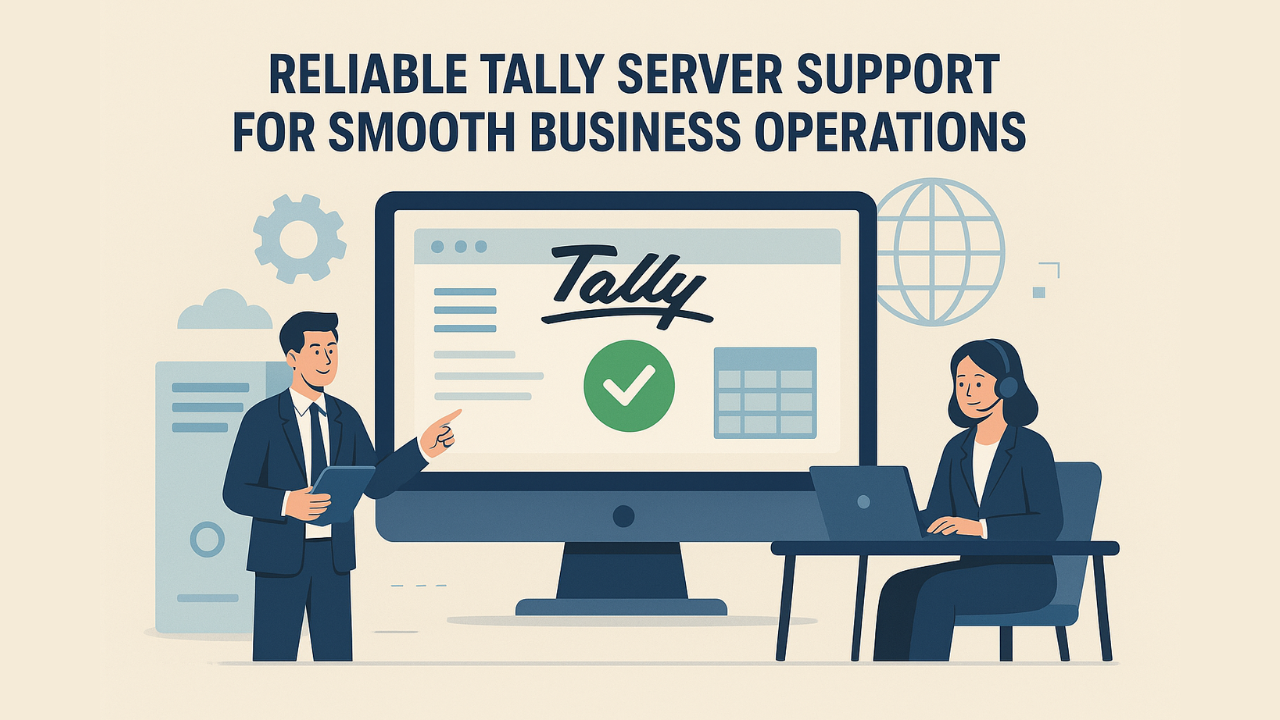
When TallyPrime needs a stronger multi-user server setup.
TallyPrime Server Edition planning becomes important when many users, departments, locations, or reporting needs depend on the same company data. The setup should be practical, controlled, and easy for your team to operate.
Users wait for access
Billing, accounts, inventory, and review teams may need to work without blocking each other during peak business hours.
Company data needs structure
Shared company data should have a clear location, backup process, access model, and operational ownership.
Permissions need clarity
Different teams may need different rights for vouchers, masters, reports, exports, backups, and sensitive financial views.
TDLs and add-ons need review
Existing customizations, invoice formats, reports, and utilities should be checked before changing the operating environment.
What can a TallyPrime Server Edition setup include?
The exact scope depends on user count, company data size, current infrastructure, access needs, existing TDLs, reporting activity, and backup expectations.
Server environment review
Review the current computer, server, network, data folder, and shared access setup before recommending changes.
User and department planning
Map users, teams, branches, working hours, responsibilities, and expected simultaneous usage.
Data access planning
Plan where company data should sit, who can access it, and how day-to-day company loading should work.
Backup and continuity checks
Review backup routines, restoration expectations, local dependencies, and operating continuity needs.
Access and security coordination
Align user rights, sensitive reports, export permissions, and control expectations with business roles.
TDL and customization review
Check how custom reports, invoice formats, fields, add-ons, and utilities may behave in the server setup.
Branch and remote access inputs
Identify whether users work locally, from branches, through cloud access, or through another remote arrangement.
Go-live support
Support the transition, validate working access, answer user queries, and handle agreed early-stage issues.
A reliable Tally server setup starts with three checks.
Before moving users into a server-led working environment, the setup should be sized around real business usage instead of assumptions.
Users and workload
Define simultaneous users, departments, branch users, transaction volume, reporting activity, and working-hour expectations.
Data and dependencies
Review company data size, backup location, custom TDLs, add-ons, connected tools, printers, and file workflows.
Access and continuity
Agree user permissions, backup responsibilities, recovery expectations, support coverage, and the practical go-live path.
Where TallyPrime Server Edition helps most?
Use TallyPrime Server Edition planning when the business needs a more controlled shared working environment for accounting, inventory, reporting, and review teams.
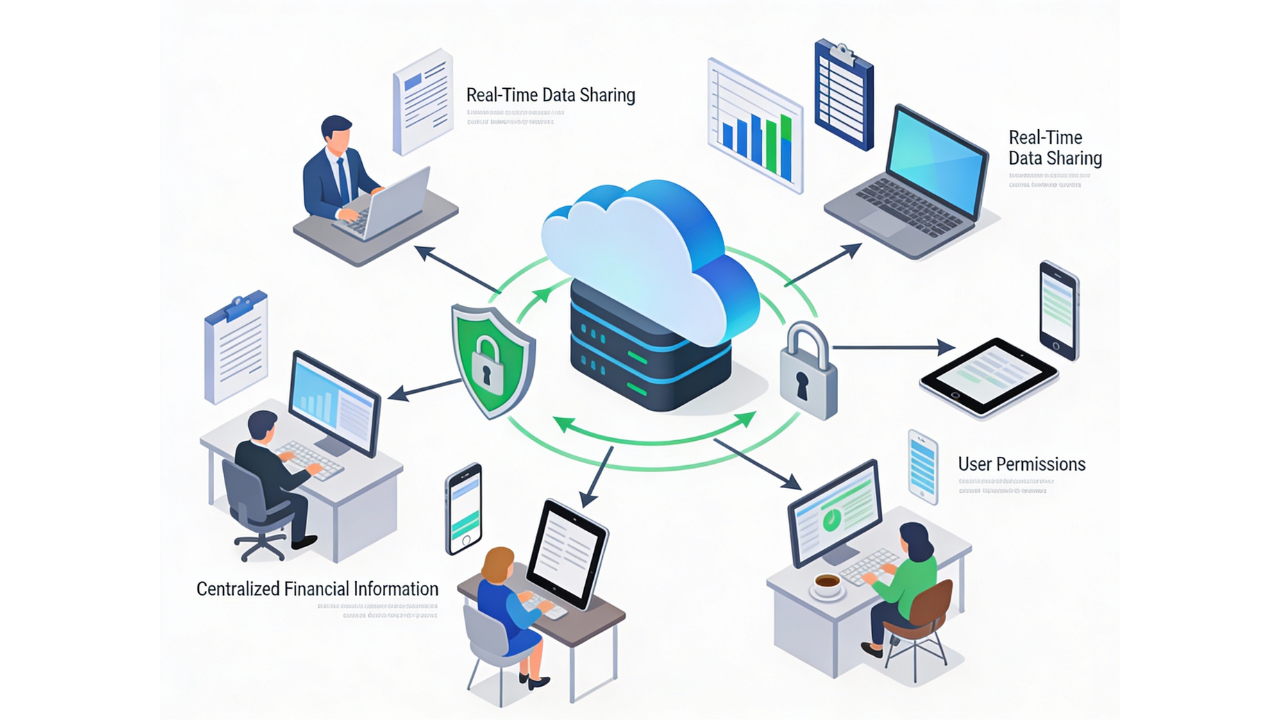
How a TallyPrime Server Edition setup works.
The process is designed to identify dependencies early, validate access carefully, and reduce avoidable disruption during implementation.
Requirement review
Confirm users, departments, locations, company data, TDLs, reports, printers, and support expectations.
Environment assessment
Review server, network, data folder, backup practices, access flow, and current multi-user challenges.
Setup plan
Define the approved environment, access model, migration sequence, permissions, and validation checklist.
Implementation and testing
Configure the setup, test login access, company loading, backup flow, reporting, and common user scenarios.
Handover and support
Guide users, document agreed points, monitor early usage, and resolve scoped post-go-live support queries.
Tally server outcomes businesses usually need.
The goal is not only installing a server component. The goal is a controlled, dependable TallyPrime working environment for the team.
Smoother shared working
Reduce access bottlenecks by planning how multiple users work with company data, reports, and daily entries.
Better data governance
Clarify company data location, backup expectations, user responsibilities, and permission boundaries.
Support after go-live
Keep implementation practical with handover, early issue resolution, and guidance for future changes.
Helpful reading for TallyPrime server planning.
Use these pages when your server requirement is connected with licensing, multi-user access, cloud work, or security controls.
TallyPrime Server Edition FAQs.
What is TallyPrime Server Edition?
TallyPrime Server Edition is used to support a more controlled multi-user working environment for businesses that need shared company data access, better data management, and structured access planning.
When should a business consider TallyPrime Server Edition?
Consider it when multiple users, departments, branches, or reviewers depend on the same TallyPrime company data and the current setup is creating access, backup, performance, or coordination issues.
Is TallyPrime Server Edition the same as TallyPrime Gold?
No. TallyPrime Gold is a multi-user license, while TallyPrime Server Edition is planned around a server-led working environment. The right setup depends on your license, user count, data size, and operating model.
Can TallyPrime Server Edition support multiple users working together?
Yes, it is commonly evaluated for teams where multiple users need structured access to TallyPrime company data. Final suitability should be reviewed against your environment, license, workload, and dependencies.
Can existing TDLs, reports, invoice formats, or add-ons work with the setup?
They should be reviewed before implementation. We check existing customizations, utilities, invoice formats, reports, and data workflows so the setup plan accounts for business-specific dependencies.
Can TallyPrime Server Edition help branch or remote teams?
It can be part of the planning discussion for branch or distributed teams, but the right access method depends on whether users are local, remote, cloud-hosted, or working through another approved setup.
What should be checked before implementation?
User count, current license, company data size, server or system environment, backup process, network dependency, custom TDLs, access roles, printing needs, and support expectations should be reviewed first.
Do you provide support after the setup goes live?
Yes. We can support agreed post-go-live queries, early user issues, access checks, backup process guidance, and future changes connected with your TallyPrime Server Edition setup.
Need TallyPrime Server Edition planned for your team?
Share your user count, current setup, company data location, branch or remote access needs, and support expectations. We will review the practical setup path before implementation.
