Tally API Integration: Connect TallyPrime with Your Business Applications
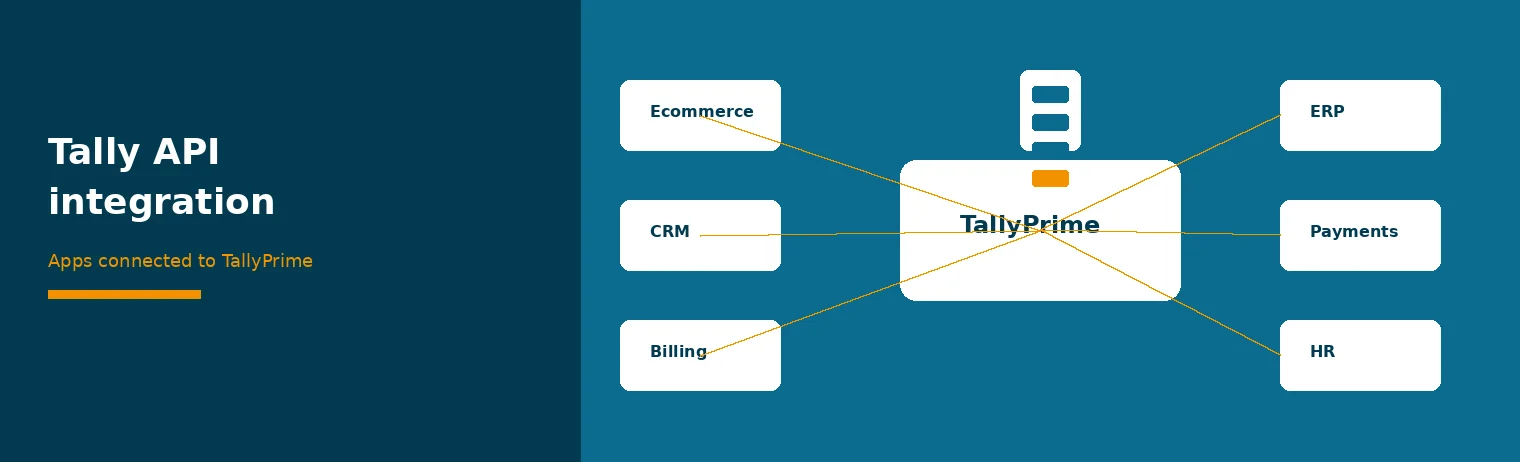
Tally API integration is how another system talks to TallyPrime without someone re-typing the same invoice, party or stock line. This guide is for owners and managers who need to connect CRM, ecommerce, billing or ERP tools to TallyPrime and want a clear project path.
If you want the deeper view of API methods, JSON and XML mapping, and security controls inside TallyPrime, read how TallyPrime API integration works. For a custom build, see our Tally API integration service.
What Tally API integration means here
In day-to-day language, "Tally API integration" means a controlled link between your business applications and TallyPrime. The link creates or updates masters and vouchers, or reads balances and stock, on a schedule or when an event happens.
It is not a replacement for TallyPrime. The books stay in TallyPrime. The other app stays the place where sales, warehouse or HR work happens.
Which applications people connect
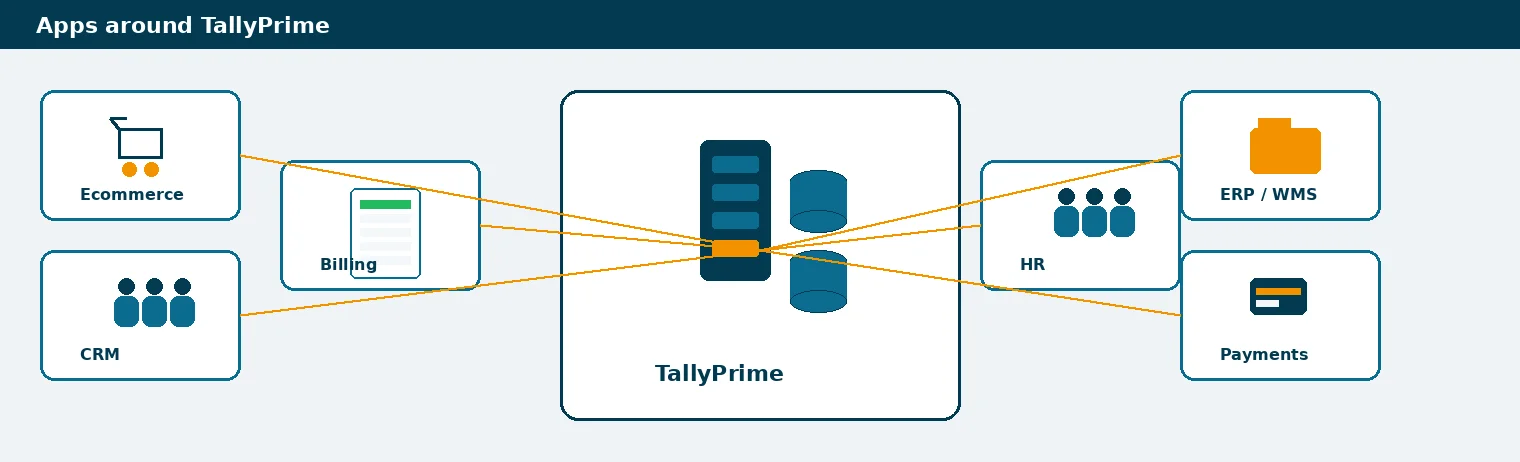
Typical application connections
| Application type | Usually sends to TallyPrime | Often needs back from TallyPrime |
|---|---|---|
| Ecommerce / marketplace | Orders, customers, settlements | Stock, invoice numbers |
| CRM | Customers, quotes turned into orders | Outstanding, payment status |
| Billing / subscription | Recurring invoices, credits | Receipts, ledger balances |
| ERP / WMS | Purchase orders, GRN, stock moves | Godown stock, item masters |
| Payment gateway | Settlements, fees, refunds | Open invoices to collect |
| HR / payroll | Salary journals, reimbursements | Cost centre balances |
Your map will differ. Start with the two or three flows that remove the most re-typing.
For a wider list of app types, see applications you can integrate with Tally using APIs and Tally integration with web applications.
Project steps
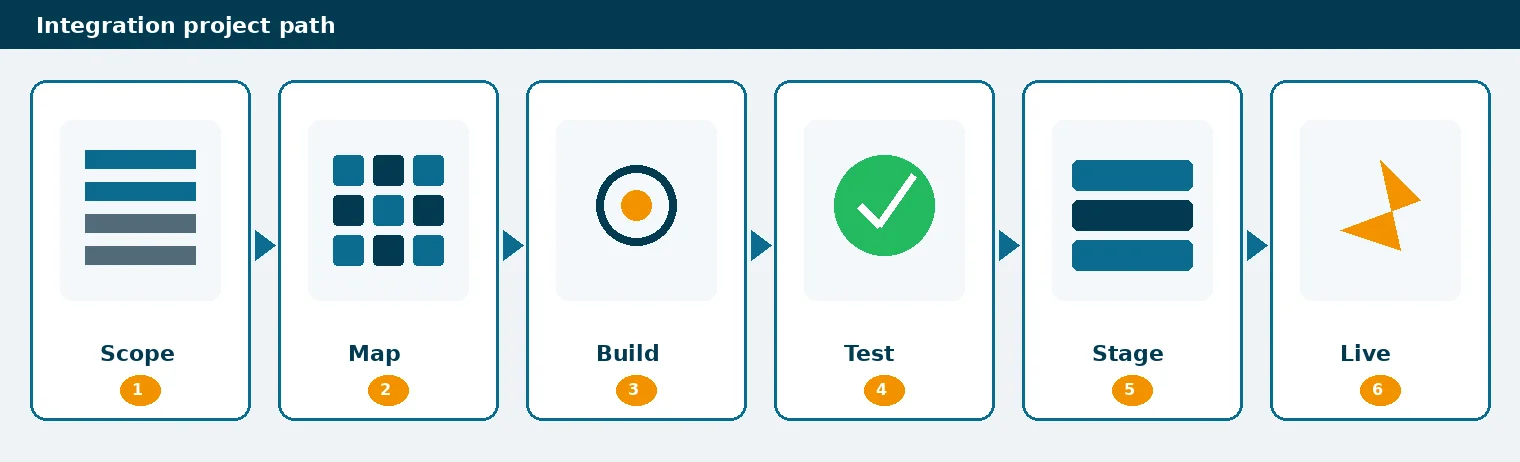
- Write down each system and the person who can change it.
- Agree which side owns customers, items and prices.
- List the vouchers that must post automatically, and which can stay manual.
- Define how failures are reported: who gets the log, and within how long.
- Pilot on a copy company with real-shaped data, then cut over in stages.
What you must map
- Parties: name, GSTIN, state, registration type, bill-to and ship-to if you use them.
- Items: SKU, HSN or SAC, unit, GST rate, Godown.
- Accounts: sales, purchase, tax and bank ledgers the vouchers will hit.
- Vouchers: voucher type, numbering, tax treatment, optional vs regular.
- References: marketplace order id, CRM deal id, or payment reference for later matching.
Bad maps create the same class of errors you see in Excel imports: missing GSTIN, wrong HSN, unknown ledgers. Fix the map before you raise volume.
Testing and go-live
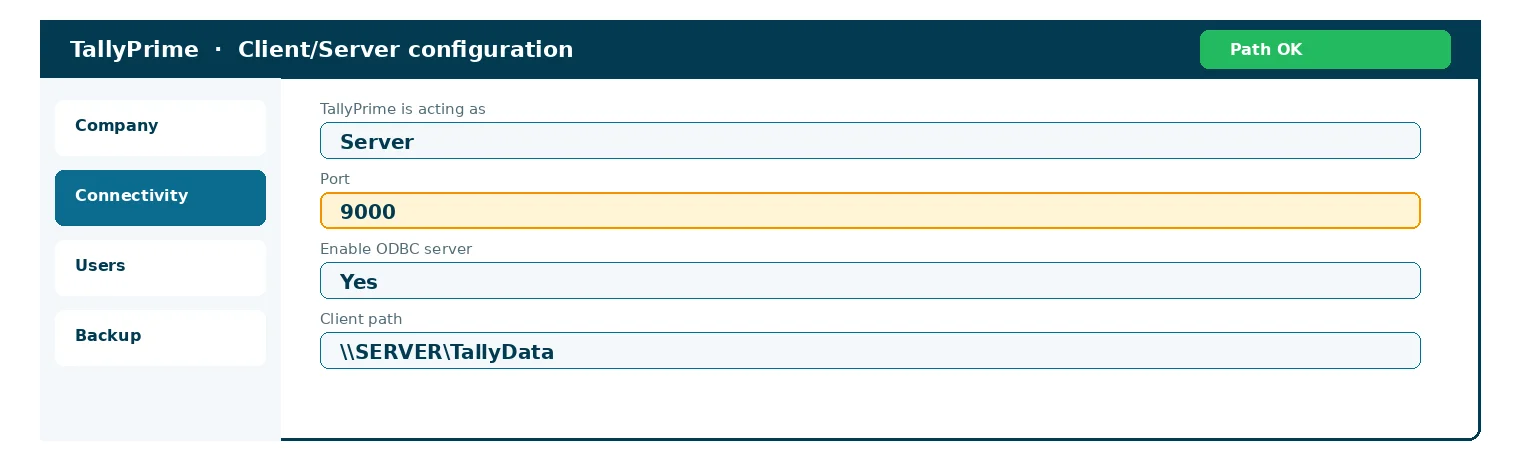
- Credentials and network path to TallyPrime confirmed
- Master map signed off (parties, items, tax, Godowns)
- Voucher map signed off (types, numbering, GST fields)
- Error log reviewed with sample failures
- Rollback plan: pause the feed without corrupting books
- Owner named for fixes in the first two weeks
Test create, update and reject paths. Confirm a failed row does not post a half voucher. Agree how to pause the feed if TallyPrime or the other app is down.
API guide vs how the API works
Use this page when you are planning which applications to connect and how the project should run. Use Tally API integration: the missing link when you need the mechanics of methods, one-way vs two-way flows, and mapping detail. Use the service page when you want us to build and support the link.
Conclusion
A useful Tally API integration starts with clear ownership of masters, a short list of flows, and a map that TallyPrime can post without cleanup. Test on a copy, go live in stages, and keep an error log someone actually reads.
Want help connecting your stack? Talk to us about Tally API integration or message us on WhatsApp.
FAQs on Connecting Apps to TallyPrime
1. What is Tally API integration?
It is a controlled link between another business application and TallyPrime so masters and vouchers can post, or balances and stock can be read, without re-typing.
2. Which apps can connect to TallyPrime?
Common ones are ecommerce, CRM, billing, ERP, WMS, payment gateways and payroll tools. The fit depends on the data you need to move.
3. Is this the same as Excel import?
No. Excel import is a batch file. An API integration runs on events or a schedule and can validate and reject rows before they post.
4. Do I need a developer on my side?
Someone must own the other application's API or export. We handle the TallyPrime side and the mapping; your app vendor or IT often handles their side.
5. Where do I read about API methods and security?
See our article on how TallyPrime API integration works for methods, mapping and security. Use this page for the application-connection project.
Continue Reading
Get a personal consultation.
Call us today at +919211044269
Want our TallyPrime tips in Google first? Add us as a preferred source.