The modern digital world sees businesses introducing e-invoicing at an astonishing pace in the quest to increase financial procedures and comply with governmental requirements. In case you’re new to the world of e-invoicing and need a step-by-step guide to sign up, don’t look elsewhere. The guide below will see you through each step of e-invoicing registration.
What is e-Invoicing?
E-invoicing is an automated process of creating, sending, and receiving invoices in a structured format to make it easier to integrate into accounting software. Governments are pushing various governments to adopt e-invoicing as part of a shift that is intended to increase tax compliance, reduce fraud, and simplify transactions.
Who Needs to Register for e-Invoicing
E-invoicing legislation varies from nation to nation. In the majority of situations, companies with a specific turnover or operating in certain industries must meet the requirements. Consult local tax authority documentation to determine whether you need to sign up.
Step-by-Step Registration Process
Step 1: Check Eligibility
To begin with registration, ensure your company comes under the compulsory e-invoicing category. On your country’s tax authority site, verify present eligibility criteria.
Step 2: Collect Required Information
Prepare the required information before starting the registration process. Some of the most commonly required information include:
Business registration number
Taxpayer identification number (TIN)
Contact information (email address, phone number)
Bank account information (if required)
Digital signature (if required)
Step 3: Login to the e-Invoicing Portal
Most governments have a distinct portal for enrolling in e-invoicing. Head to the official website of your tax authority and locate the e-invoicing section.
Step 4: Register an Account
Register on the e-invoicing portal with your company information. Enter the credentials required and confirm your identity through email or SMS verification.
Step 5: Register Your Business
Fill out the registration form with your business details, tax identification number, and remaining details necessary. Supporting documents may be requested to be uploaded by some portals.
Step 6: API Access (If Necessary)
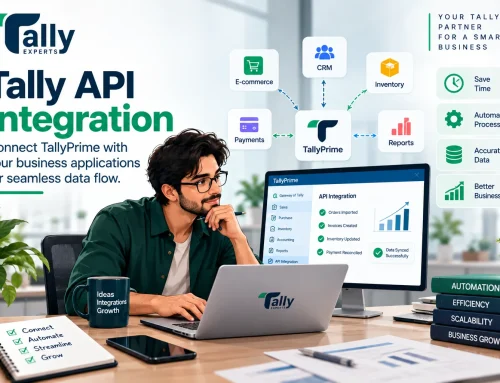
Auto-billing is possible in organizations where integration of e-invoicing APIs is necessary. Obtain API credentials from the tax agency for effortless billing without trouble.
Step 7: Test the System
Test the e-invoicing system prior to sending actual invoices to ensure accuracy and regulatory compliance. Tax departments also provide a test sandbox facility
Step 8: Begin Creating E-Invoices
Once registered, you can start creating e-invoices as per the format that is prescribed. Ensure that your invoicing software is updated and supports the latest e-invoicing standards.
Conclusion
E-invoicing facilitates easier, more transparent, and tax-compliant transactions. Firms can easily adopt e-invoicing with this step-by-step registration process and reap its benefits. Remain current with reminders from tax authorities in order to stay compliant and operate efficiently.