Custom Tally Solutions: What Changes by Industry

Custom Tally solutions are the changes that make TallyPrime match how your industry actually books stock, invoices and approvals. The base product is strong. Industry gaps show up in fields, print layouts, reports, user rights and links to other systems.
This page stays informational. Buying and service keywords for industry hubs sit on our industries pages. The delivery process is covered in the TallyPrime customization process guide.
What custom Tally solutions are
A custom solution is not a new ERP. It is a scoped set of TDL and configuration changes: extra voucher fields, industry reports, tighter security, import maps, or an API link when Excel is too slow. You keep TallyPrime as the books of record.
Why industries outgrow the defaults
- Stock moves in ways the default Godown report does not show
- Invoices must print industry terms, QR or serial detail
- Managers need a daily MIS that standard reports do not group
- Branches must share one company without seeing every ledger
- Sales or warehouse systems must post into TallyPrime without retyping
Examples by industry
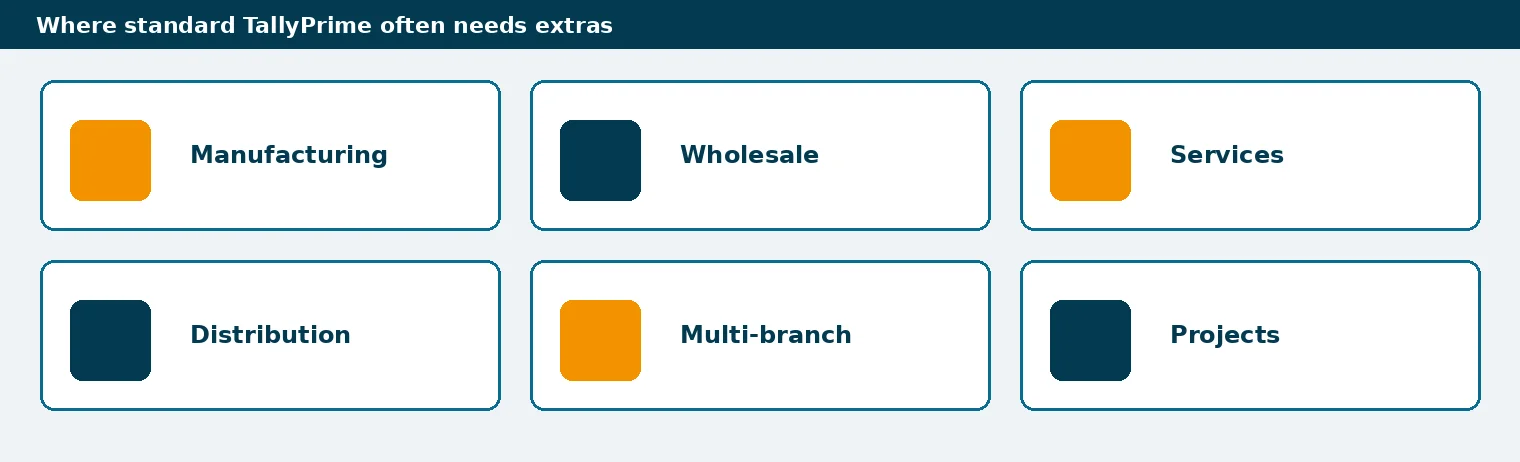
Industry pressure points TallyPrime often needs to cover
| Industry | Common gap | Custom focus |
|---|---|---|
| Manufacturing | Batch, BOM-linked stock and shop-floor timing | Job/process fields, consumption reports, Godown rules |
| Wholesale / distribution | Scheme, batch and multi-Godown movement | Scheme tracking, dispatch registers, party limits |
| Retail | Fast billing plus stock accuracy | POS-linked invoices, serial/IMEI, store-wise stock |
| Services / projects | Unbilled work and milestone billing | Project ledgers, milestone vouchers, WIP views |
| Multi-branch | Same books, different visibility | Branch security, consolidated reports |
| Imports / trading | Landed cost and document trails | Additional cost allocation, document fields |
Examples are patterns we see — not a fixed product pack.
Delivery examples live under our customization case studies.
What a custom solution usually includes
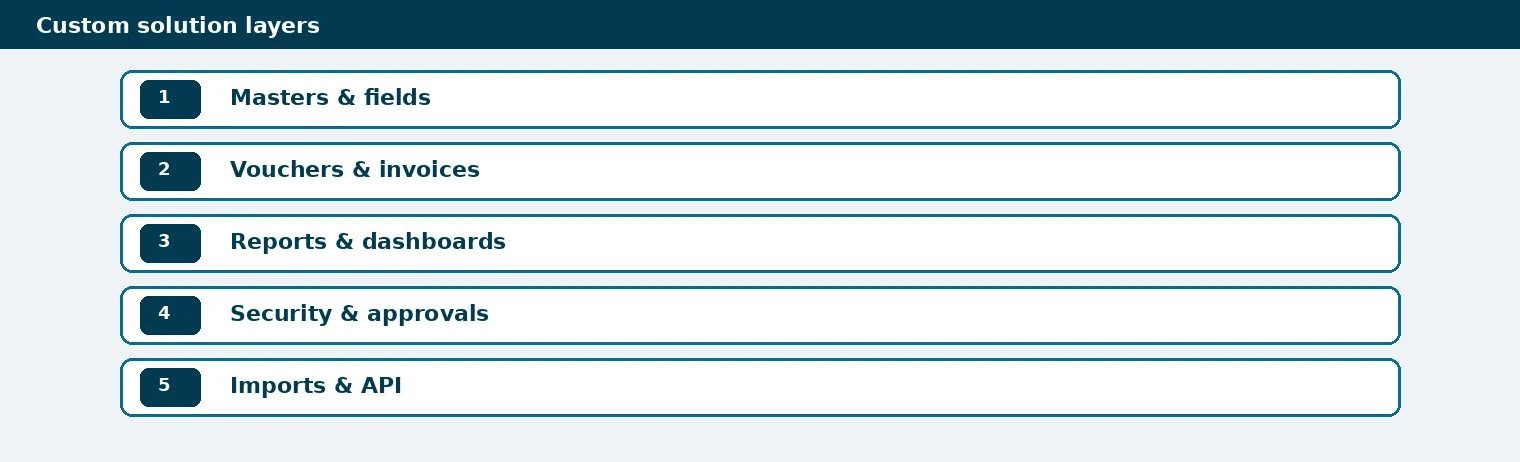
- Masters and custom fields
- Voucher and invoice behaviour
- Reports and print layouts
- Security and approvals
- Imports or API integrations when volume demands it
When the gap is ongoing sync with CRM or e-commerce, see Tally API integration.
When to invest
- The same Excel bridge fails or is retyped every week
- Auditors or owners cannot get a trustworthy view without manual merges
- User mistakes repeat because the screen does not enforce the rule
- Two systems disagree on stock or receivables
How implementation usually runs
Brief the pain, map the process, build in a copy company, test with real samples, deploy with a backup, then support the first live weeks. That sequence is detailed in the customization process article.
Conclusion
Custom Tally solutions are industry-shaped changes on top of TallyPrime — not a replacement product. Name the weekly failure, pick the layer that fixes it, and keep the books testable. To scope that work, use TallyPrime customization or message us on WhatsApp.
FAQs on Custom Tally Solutions
1. What are custom Tally solutions?
Scoped changes to TallyPrime — fields, invoices, reports, security, imports or integrations — so the product follows your industry workflow.
2. Do I need a full industry pack?
Usually no. Most teams need a few high-pain changes first. Packs without a brief create unused screens.
3. Is this the same as buying Tally again?
No. You keep TallyPrime. Customization extends behaviour; it does not replace the licence product.
4. How is this different from the industries page?
The industries hub is the service overview by sector. This article explains the solution layers and examples in blog form.
5. When is an API better than Excel import?
When the same data must move often, with less manual file handling, and both sides can agree on a stable map.
Continue Reading
Get a personal consultation.
Call us today at +919211044269
Want our TallyPrime tips in Google first? Add us as a preferred source.