

Tally and Shopify Integration for Orders, GST, Inventory and Invoices

Tally and Shopify integration is a controlled link so a Shopify order can become a TallyPrime voucher — with GST, stock and payment handled as written rules, not as a nightly retype. Shopify holds the order, the customer, the payment status and fulfilment. TallyPrime holds the ledger, the tax invoice, inventory movement and the receivable. When those two are only connected by a spreadsheet, accounts starts working from yesterday’s orders.
For the general Tally API pattern behind a link like this, see how TallyPrime API integration works.
What Shopify to Tally integration is
The integration should create the right TallyPrime record from a Shopify event: a new order, a payment, a cancellation or a return. It is not a dump of the order book into a journal. Each field needs an owner. If a SKU or GSTIN is missing, the record should fail into a log, not post a blank ledger.
When the gap starts to show
The gap is easy to ignore at a low order count. It becomes visible when invoices lag fulfilment, when Shopify stock and TallyPrime stock tell different stories, or when COD, discounts and shipping charges need a manual fix on every bill. Those are process signals, not a reason to rush a live post.
- Orders are exported from Shopify and typed or imported into TallyPrime by hand
- GST, discount, shipping or COD needs a correction on many invoices
- Stock in Shopify and TallyPrime do not match when you compare them
- Returns and refunds are updated in one system and forgotten in the other
What can move from Shopify to TallyPrime
Shopify data and the usual TallyPrime output
| Area | From Shopify | In TallyPrime |
|---|---|---|
| Orders | Order number, date, customer, items, quantity, rate, discount, shipping | Sales voucher, sales order or GST invoice, as agreed |
| Customers | Name, address, GSTIN, state | Party ledger and place-of-supply details |
| Items and SKUs | SKU, variant, quantity, unit, tax category | Stock item, unit and tax classification |
| Payments | Paid, pending, COD, gateway reference | Receipt or a pending receivable, matched to the invoice |
| Returns and refunds | Returned items and refund status | Credit note or stock return, as agreed |
Agree the voucher type for each order state before anything is posted live.
Related reading: Tally integration with web applications and applications you can integrate with Tally using APIs.
A working order path
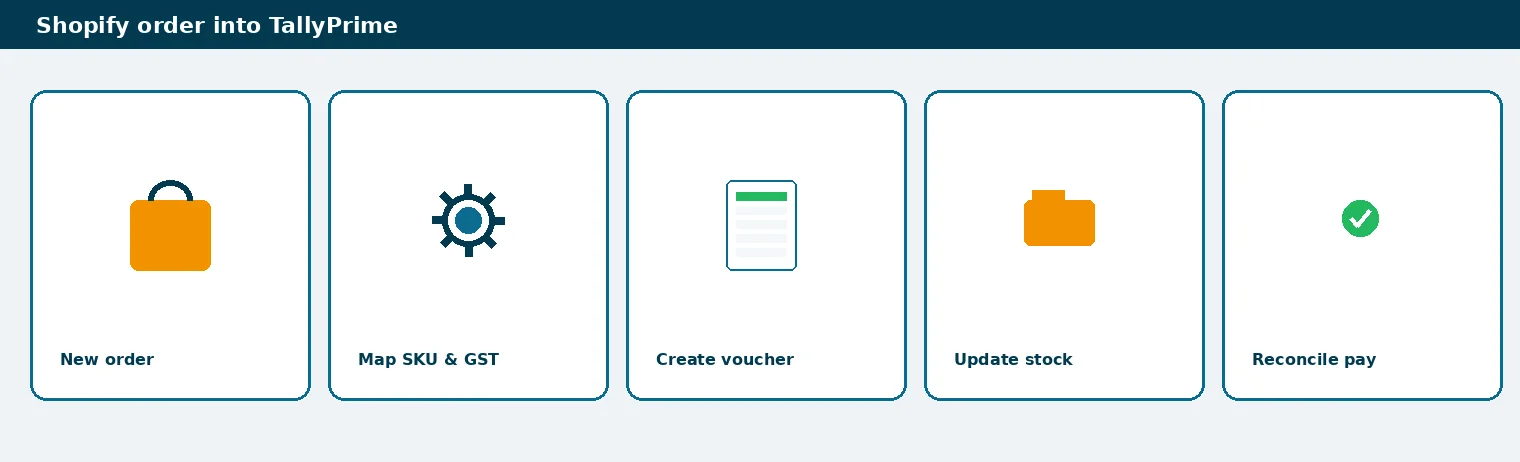
A practical first path is one-way: paid or accepted orders create a sales voucher in a copy company, stock moves if you use inventory in TallyPrime, and a receipt is posted only when the payment rule is clear. Marketplace or multi-store setups need an extra identifier so two shops cannot share one silent ledger. Two-way stock updates — TallyPrime writing availability back to Shopify — should wait until the one-way path is stable.
What usually needs mapping
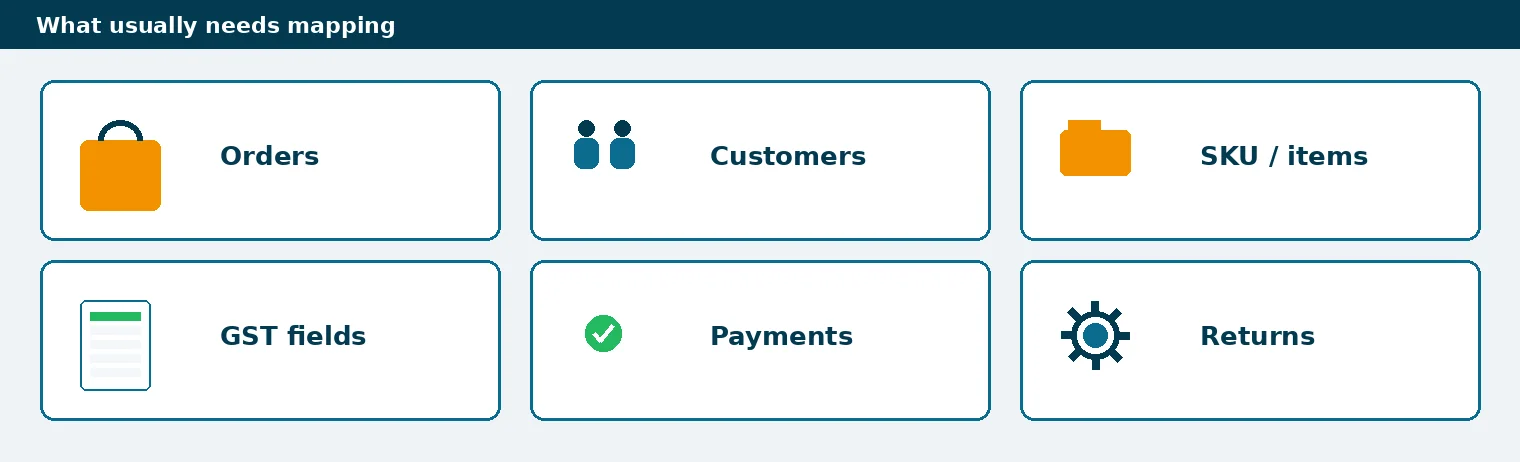
- Each live SKU maps to one stock item and unit
- Each customer GSTIN and state maps to one party ledger
- Discount, shipping and COD have a ledger and a tax treatment
- The Shopify order number is stored as a unique reference on the voucher
- Returns have a credit-note or stock-return rule, not an edited original bill
Testing and reconciliation
Test in a copy company with real sample orders: a simple paid order, a discounted order, a COD order, a partial return and a failed GSTIN. Then reconcile: order count, invoice value, tax, stock and receipts. Go live only when that list matches and someone owns the error log.
Conclusion
A Shopify to TallyPrime integration is useful when it posts a traceable voucher for each order state you have agreed — not when it only moves a file. Map SKUs and GST first, test the odd cases, then go live with a log. If you want that work scoped, see Tally API integration or message us on .
FAQs on Shopify to Tally integration
1. What is Shopify to Tally integration?
It is a controlled link that turns agreed Shopify events — orders, payments, returns — into the right TallyPrime vouchers, ledgers and stock updates after mapping and validation.
2. Do all Shopify fields need to sync on day one?
No. Many teams start with paid orders into a sales voucher, then add payments, returns and any two-way stock later.
3. What usually breaks the first tests?
Unmapped SKUs, missing customer GSTINs, and no rule for discount, shipping or COD.
4. Should we post into the live company during testing?
No. Use a copy company with real sample orders, including a return and a rejected record, before the live books are opened to the link.
5. Can stock be updated in both systems?
Yes, but only with a written rule for which system owns available quantity. One-way posting into TallyPrime is the safer first step.
Continue Reading
Get a personal consultation.
Call us today at
Want our TallyPrime tips in Google first? Add us as a preferred source.

