

Tally Migration: When You Need a Migration Service and What It Covers

Tally migration is the work of moving accounting data into the TallyPrime company you will run next. Sometimes that means opening an older company in a newer release. Sometimes it means rebuilding masters and vouchers from Excel or another system. This page explains when a migration service helps, what it covers, and how it differs from everyday Excel import.
For the technical options and utilities, see our Tally migration tools guide. For moving the same data folder to a new PC, use how to transfer Tally data to a new system.
What Tally migration means
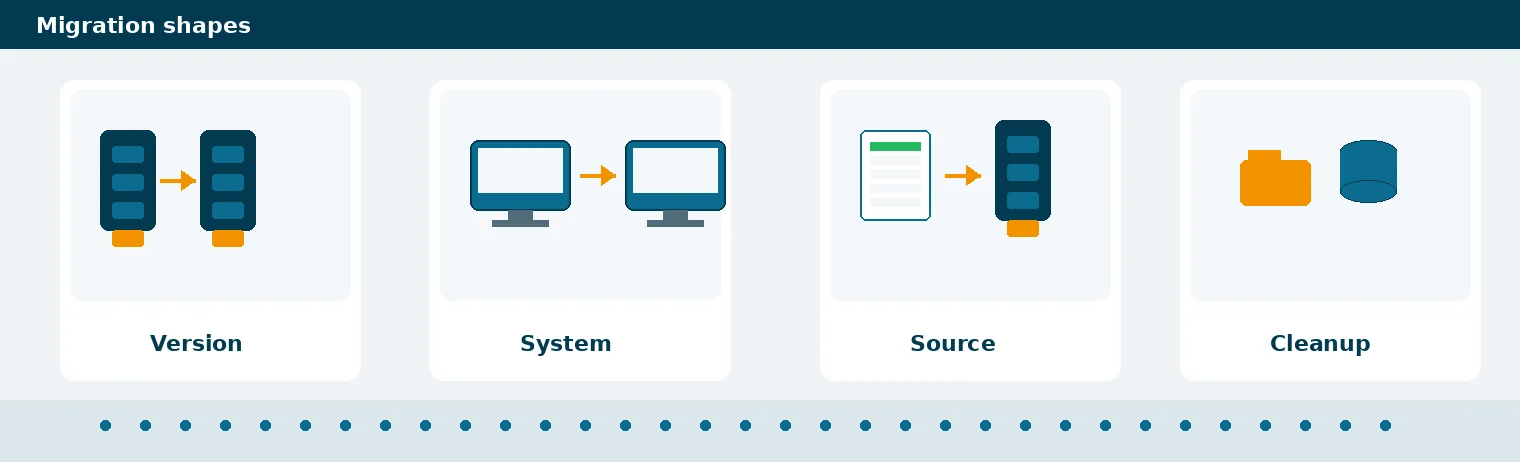
People also search "migration required in TallyPrime" when the product asks them to migrate data after an upgrade. That prompt is a product step. A migration service is the project around a cutover: scope, mapping, checks and sign-off.
When a migration service helps
- You are moving years of Excel or another package into TallyPrime.
- Several companies or branches must land in a clean structure.
- GST, stock or cost centres are messy and must be corrected as you move.
- You have a fixed cutover date and need a named owner for exceptions.
- Old TDLs or invoice layouts must be reviewed for TallyPrime.
If you only need to copy a healthy company to a new laptop, the transfer guide is enough.
What a service usually covers
What a Tally migration service usually covers
| Area | Typically included | Often extra |
|---|---|---|
| Company data / years agreed in scope | Yes | Extra years later |
| Masters (ledgers, stock, Godowns) | Yes | Heavy cleanup or merge rules |
| Opening balances and trial balance check | Yes | Full audit of every voucher |
| GST sample checks | Yes | Full return rebuild |
| TDL and invoice layouts | Review | Rewrite for TallyPrime |
| Training your team on the new company | Handover | Ongoing support plan |
Scope is written before work starts. Ask for the checklist in writing.
How the work runs
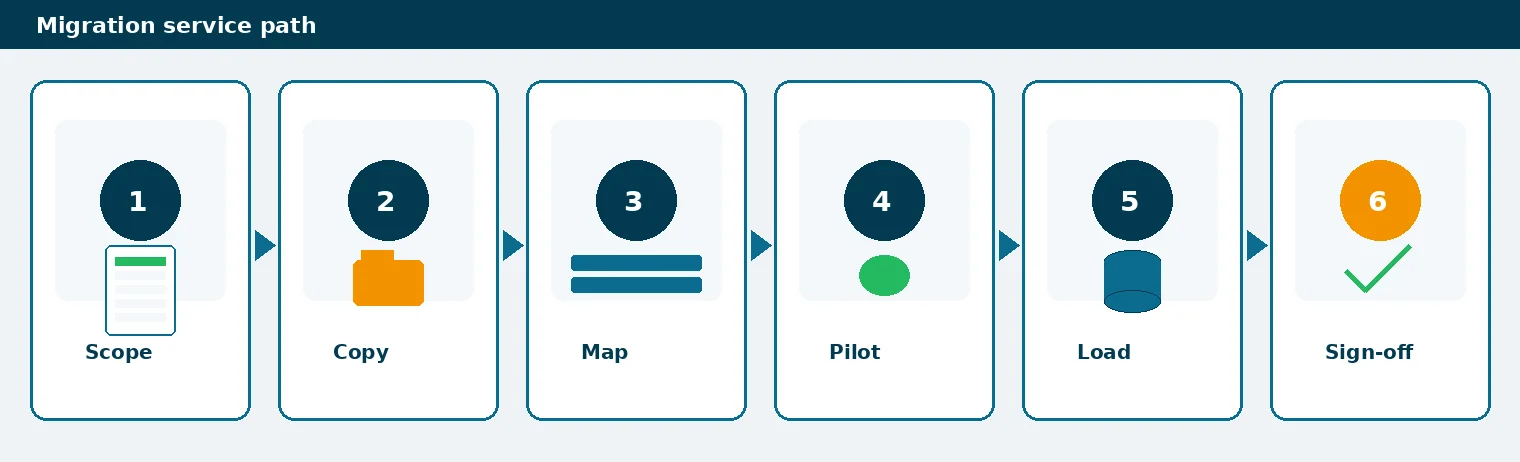
Sign-off should compare trial balance, a sample of GST invoices, and stock quantities where stock matters. Keep the source backup unread-only until you accept the new company.
Tools vs service
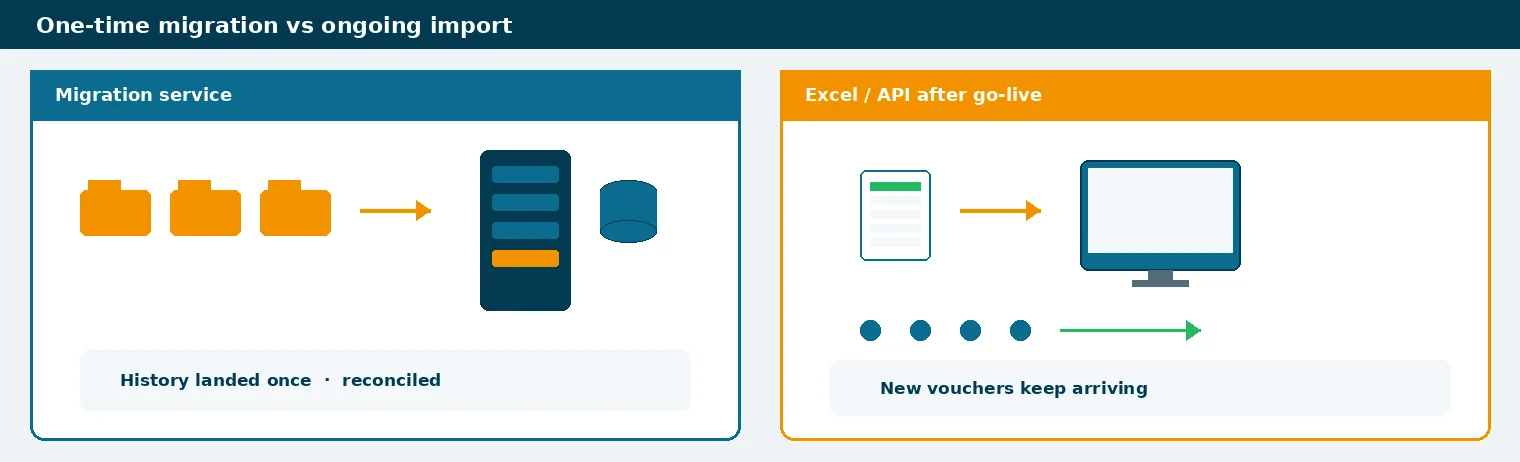
Migration service vs ongoing Excel / API import
| Approach | What it covers | When it fits |
|---|---|---|
| Migration service | One-time cutover of history into TallyPrime | Excel/other app source, cleanup, hard go-live date |
| Excel import | Recurring mapped batches after you are live | Stable sheet layout, weekly/daily volume |
| API integration | Ongoing sync from apps into TallyPrime | CRM/ecommerce/billing that must stay connected |
Migrate once for history. Use import or API for new work.
Migration tools and XML import paths are covered in Tally migration tools and Excel to Tally XML import. A service wraps those methods with mapping, checks and cutover discipline. After go-live, recurring sheets usually move to a standing Excel to Tally import setup.
Conclusion
Treat Tally migration as a cutover project: freeze a source, map masters, pilot, load, and sign off against totals. Use the transfer guide for a simple PC move, the tools guide for method choices, and a migration service when history, cleanup or a hard date makes DIY risky.
Need a scoped migration into TallyPrime? Talk to us or message us on .
FAQs on Tally Migration
1. What does migration required in TallyPrime mean?
It is usually a product prompt after an upgrade, asking you to migrate company data into the current format. A migration service is a separate project to move or rebuild books for a cutover.
2. Is Tally migration the same as Excel import?
No. Migration is a one-time cutover of history. Excel import is the recurring way to load new batches after you are live.
3. Can I migrate without downtime?
You work from a frozen copy, then switch users to the new company at an agreed time. Plan a short freeze for final vouchers.
4. Will my old TDLs work after migration?
Not always. Customisations need a review for TallyPrime. Budget for that separately if layouts or reports are critical.
5. Where do I start if I am only changing PCs?
Follow how to transfer Tally data to a new system. Use a migration service when the source is Excel, another app, or messy multi-year data.
Continue Reading
Get a personal consultation.
Call us today at
Want our TallyPrime tips in Google first? Add us as a preferred source.

