
Tally Server Support: What Breaks, What to Check and When to Call
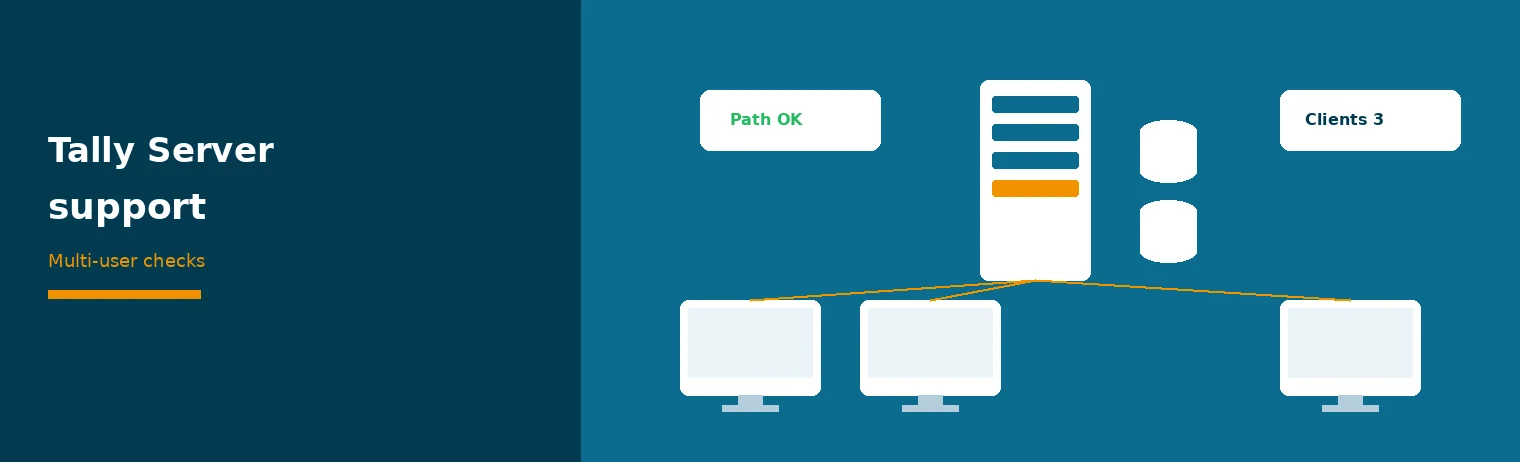
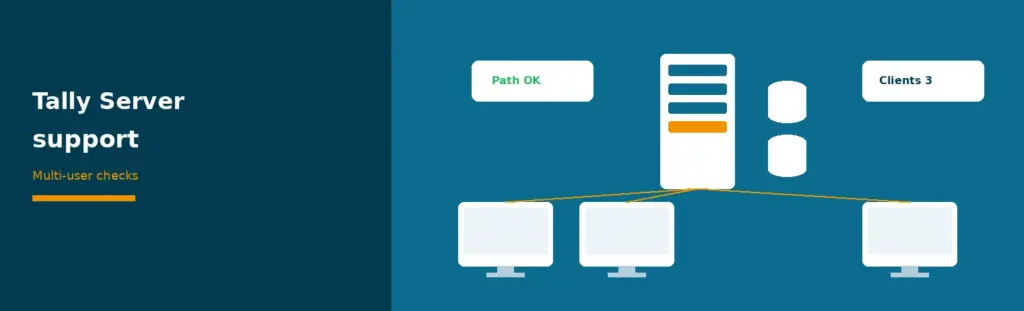
Tally Server support is what you need when several people work in the same TallyPrime company and something stalls: slow reports, waiting messages, dropped clients or a path nobody can open. This page helps you separate product limits from network issues, and know when to call for setup or support help.
It is not a generic helpline directory. For hardware and readiness before install, see basic requirements before Tally Server setup. For Gold vs Server choice, see Tally Server vs TallyPrime Gold.
What Tally Server support covers
Support here means keeping a multi-user TallyPrime setup usable: clients can open the company, post vouchers, and run reports without long waits. That may involve TallyPrime Server configuration, Windows and network checks, licence activation, or a move from simple Gold sharing to Server.
Common symptoms
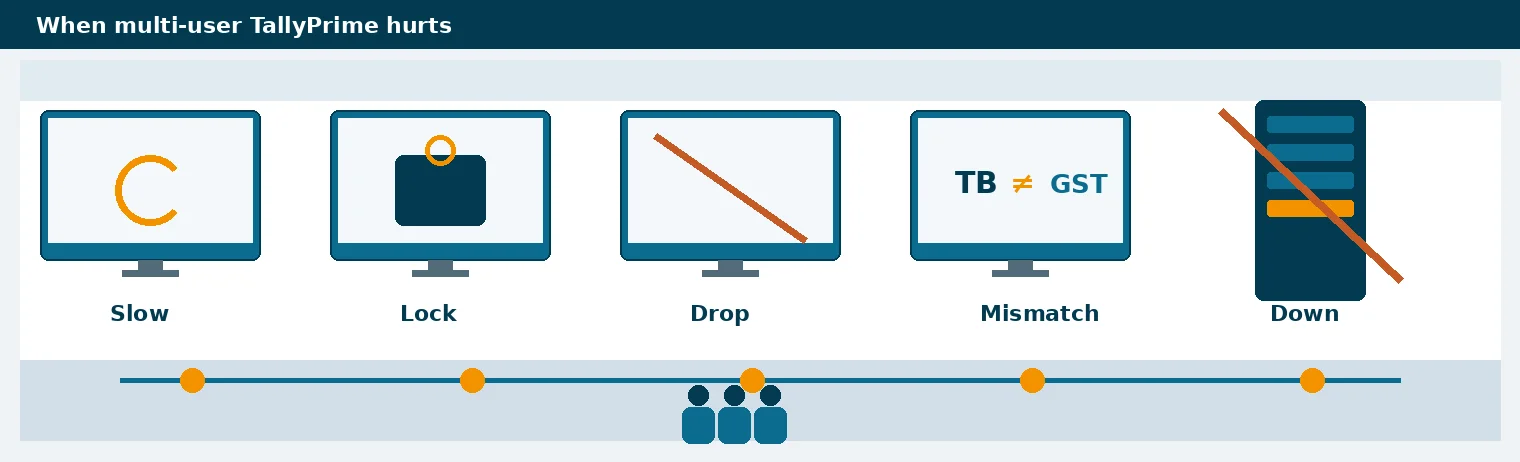
- Reports that were fine with two users crawl with eight.
- Voucher save waits while another user posts.
- Clients disconnect over Wi-Fi or VPN.
- Someone cannot see a voucher another user just saved until they re-open.
- New PC cannot find the server company path.
What to check first
First checks for Tally Server support
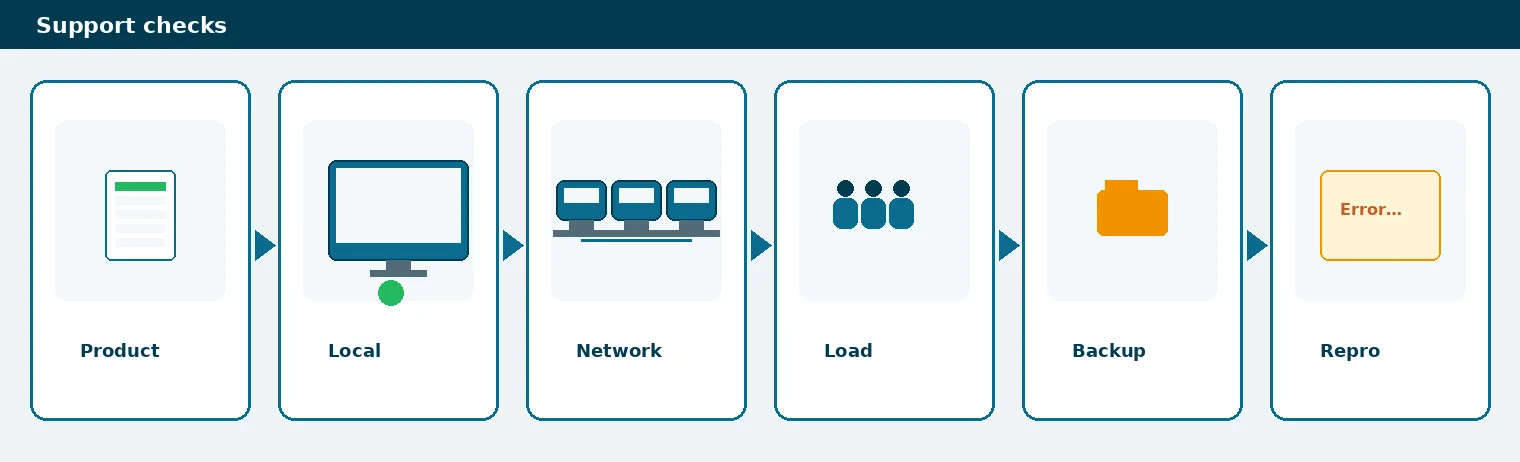
| Check | Why it matters | Pass looks like |
|---|---|---|
| Product in use | Gold sharing and TallyPrime Server need different fixes | Licence and open-company method identified |
| Local open on server | Rules out pure network issues | Company opens on the server machine |
| Wired vs Wi-Fi | Wireless drops cause false "server down" reports | Critical users on wired LAN where possible |
| Concurrent users at failure | Load symptoms need sizing or Server, not only repair | Count and time noted |
| Last backup / restore test | Support without a backup is risky | Known good backup time recorded |
| Exact error text | Vague "not working" delays the fix | Screenshot or full message saved |
Keep this list with your IT contact. It shortens every support call.
Day-to-day multi-user habits are covered in how to use Tally multi-user.
Gold vs Server
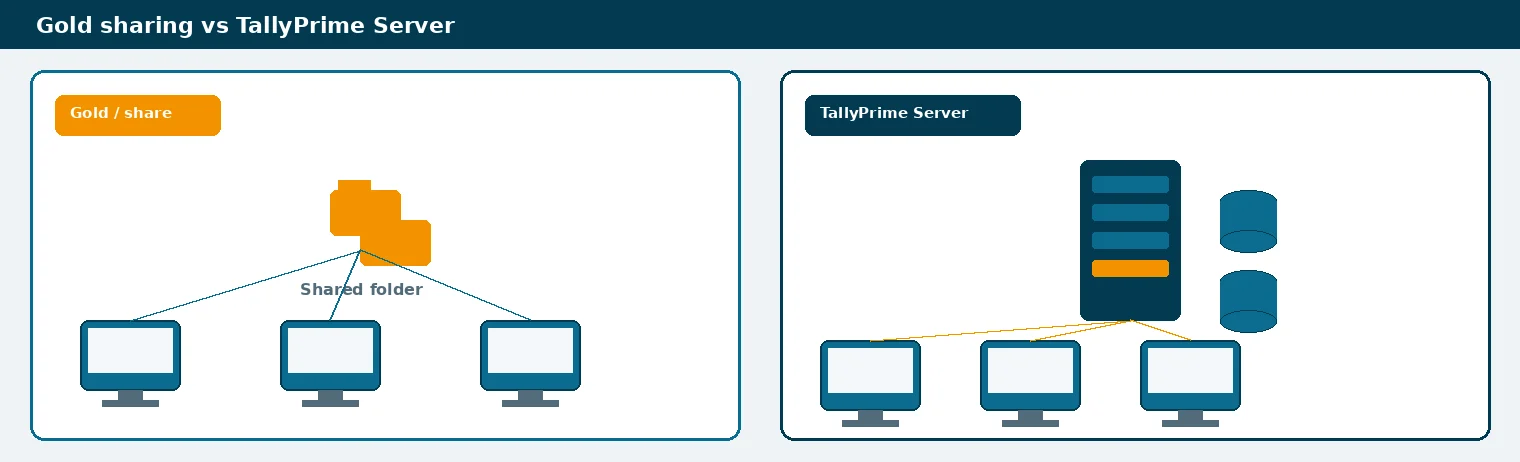
Many "helpline" searches are really Gold sharing under too much load. If concurrent users and heavy reports are normal, plan a proper Tally Server setup rather than endless repair cycles. Licence and activation help sits under our licence and server services.
When to call for help
- You cannot open the company on the server machine itself.
- Waits and disconnects continue on a wired LAN with a known user count.
- You are moving from Gold sharing to TallyPrime Server.
- A Windows or network change broke every client at once.
- You need a sized install, not only a one-off repair.
Conclusion
Effective Tally Server support starts with the right product identity, a local test on the server, and clear notes on load and errors. Fix network and backup basics first; move to TallyPrime Server when concurrency is the real limit.
Need setup or support on a multi-user company? Talk to us about Tally Server or message us on .
FAQs on Tally Server Support
1. What is Tally Server support?
Help to keep a multi-user TallyPrime company reachable and usable: connectivity, performance, configuration and, when needed, a move to TallyPrime Server.
2. Is this the official Tally helpline?
No. Tally Experts provides independent setup and support for multi-user and Server environments. For product licensing issues you may also need Tally's own channels.
3. Why is Tally slow with many users?
Often Gold file sharing under concurrent load, Wi-Fi clients, or heavy reports. Note user count and whether the server machine itself is slow.
4. Do I need TallyPrime Server or is Gold enough?
Gold can be enough for light concurrent use. Growing user counts and slow shared reports are the usual reason to move to Server. Compare both in our Gold vs Server guide.
5. What should I send when I request support?
Product in use, approximate user count, wired or Wi-Fi, exact error text, and whether the company opens on the server machine.
Continue Reading
Get a personal consultation.
Call us today at
Want our TallyPrime tips in Google first? Add us as a preferred source.

