

TallyPrime Report Customization Services for MIS, Branch and KPI Reports.
Create custom TallyPrime reports for MIS, branch-wise performance, inventory, sales, purchase, outstanding, exception, and KPI tracking so your team can review the exact numbers it needs.
- Report requirement review
- Field and filter mapping
- Sample output testing
- Post-go-live refinements
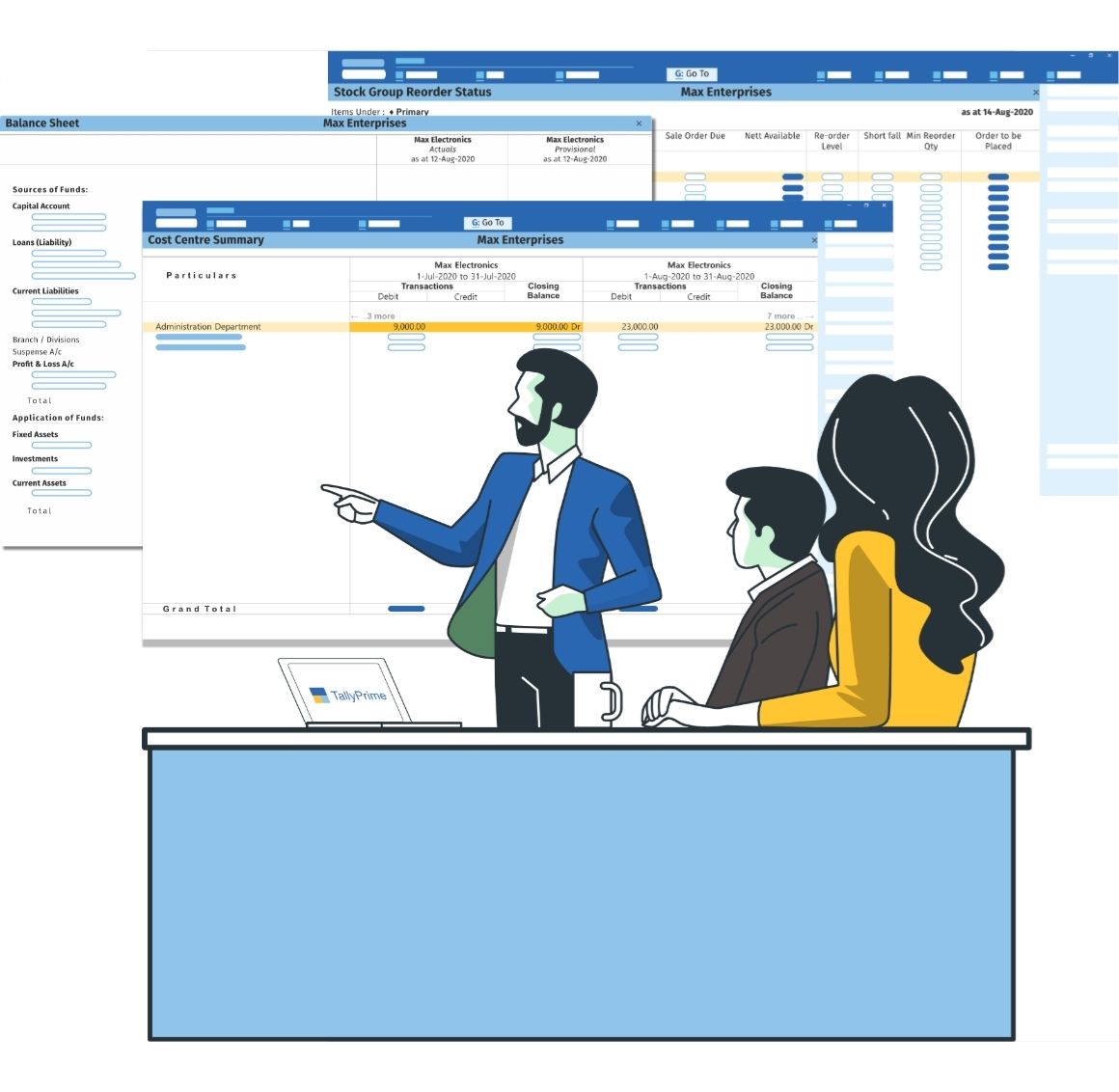
When standard TallyPrime reports do not show the insights you need.
Standard reports are useful, but management teams often need data grouped, filtered, calculated, and presented differently for daily decisions, branch reviews, collections, inventory control, and business performance tracking.
Missing MIS views
Teams need branch-wise, customer-wise, product-wise, or period-wise summaries that are not available in the required format.
Limited filters
Management needs faster analysis by party, item, group, salesperson, cost centre, godown, project, or location.
Manual Excel work
Users export data repeatedly, clean it manually, and rebuild the same report outside TallyPrime.
Exception tracking
Businesses need quick visibility into overdue balances, stock gaps, unusual margins, missing entries, or approval issues.
What reports can be customized in TallyPrime?
Report customization can be planned around the numbers your owners, finance team, operations team, or branch managers need to review regularly.
MIS reports
Management summaries for sales, purchase, outstanding, collections, expenses, and performance checks.
Branch reports
Location-wise sales, stock, expenses, transfers, users, collections, and operational comparison.
Inventory reports
Stock movement, item ageing, batch details, reorder checks, godown balances, and slow-moving items.
Party reports
Customer and vendor analysis, receivables, payables, ageing, top parties, and transaction summaries.
Sales reports
Sales by item, party, group, cost centre, godown, salesperson, branch, or custom business dimension.
Purchase reports
Vendor-wise, item-wise, department-wise, godown-wise, and cost-centre-wise purchase analysis.
Exception reports
Overdue invoices, missing data, price mismatches, negative stock, approval gaps, and unusual entries.
KPI reports
Business-specific summaries for owners, managers, finance teams, sales teams, and operations reviews.
A reliable report customization starts with three checks.
Good reports depend on the right source fields, calculation logic, and output format before any customization is built.
Data source and fields
Confirm which masters, vouchers, ledgers, items, cost centres, godowns, and custom fields the report must read from.
Filters and calculations
Define formulas, grouping, sorting, date ranges, branch logic, exception rules, and access-level visibility.
Output and review flow
Plan on-screen views, print formats, export needs, dashboard summaries, and who will verify the sample output.
What data can your custom report use?
We first identify the source of truth inside TallyPrime, then map the fields, filters, and calculations required to produce the final report.
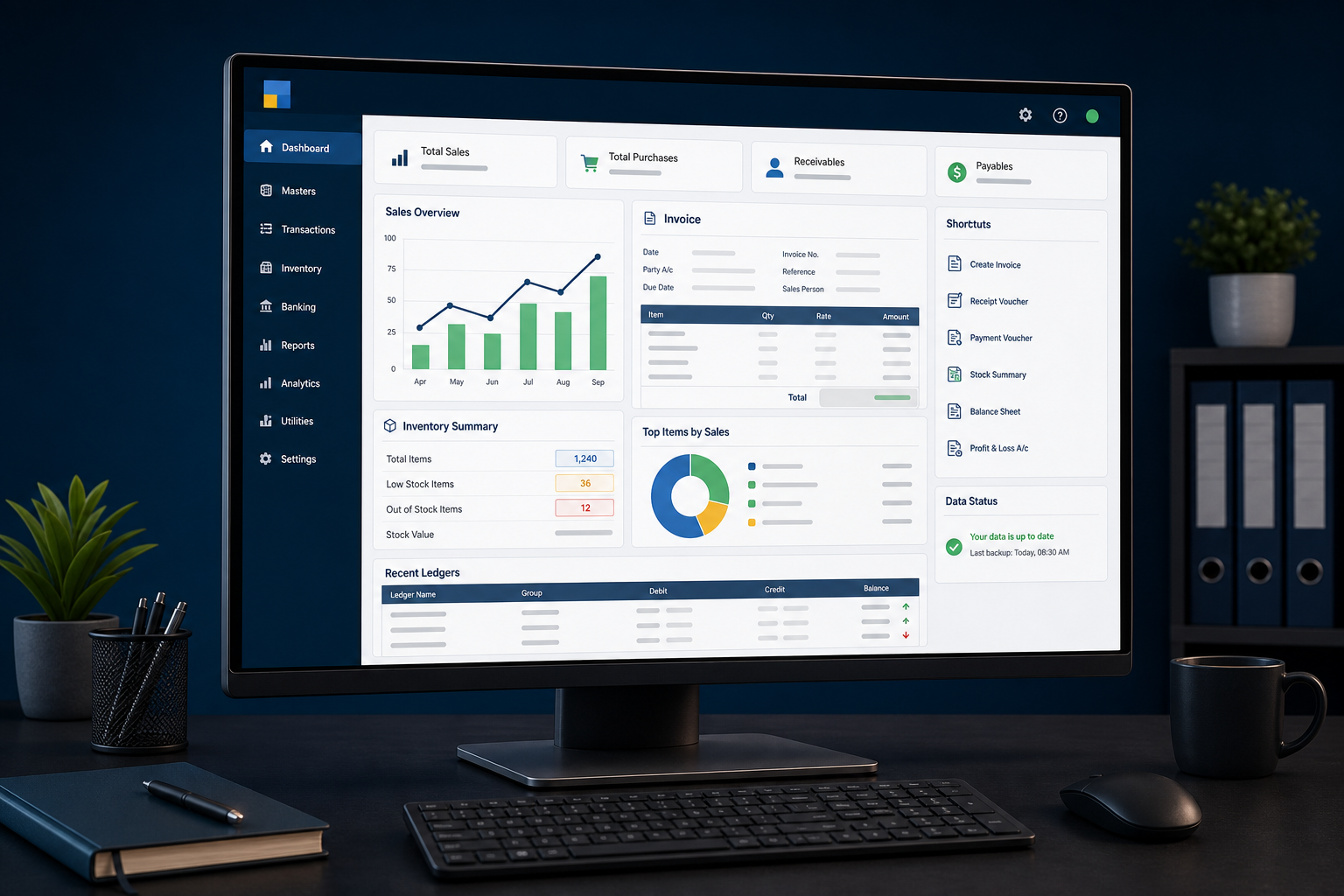
Report formats for real business decisions.
Your report should answer the question your team is asking, not force users to export data and rebuild the answer manually.
Common report customization use cases.
These are starting points. The final report structure is confirmed after reviewing your workflow and sample expected output.
How your TallyPrime report customization project works.
The process is designed to reduce unclear requirements and test the report against practical business scenarios before go-live.
Requirement review
Share the report objective, sample format, filters, users, and decisions the report must support.
Data mapping
We map source fields, voucher types, masters, custom fields, and calculation dependencies.
Format and logic plan
The layout, grouping, formulas, filters, and export or print requirements are confirmed.
Build and test
The report is developed and checked against sample records, expected totals, and edge cases.
Implement and support
We guide go-live, user handover, refinements, and agreed post-implementation support.
Report customization outcomes businesses usually need.
The goal is not just a new screen. The goal is faster review, fewer manual exports, and more confidence in management decisions.
Less manual reporting work
Reduce repeated exports, spreadsheet cleanup, and manual formatting for recurring business reports.
Better visibility
Review branch, party, item, inventory, sales, purchase, and outstanding data in the format your team needs.
Controlled access
Plan reports with user-wise visibility, department needs, and practical data access boundaries.
Helpful reading for TallyPrime reports.
These resources can guide visitors who are still exploring report formats, MIS requirements, and TallyPrime data visibility.
Excel to Tally ImportUse mapped imports when report accuracy depends on cleaner recurring data entry.
Invoice CustomizationUse invoice customization when report data starts with billing fields and output formats.
TallyPrime report customization FAQs.
Short answers to common questions businesses ask before planning custom reports in TallyPrime.
Can custom reports be created in TallyPrime?
Yes. Custom reports can be created around TallyPrime masters, vouchers, ledgers, inventory, cost centres, branches, parties, and custom fields when the required data and logic are clearly mapped.
Can MIS reports be customized in TallyPrime?
Yes. MIS reports can be customized for sales, purchase, collections, outstanding, expenses, inventory, branch performance, and management review. You can also connect this work with Tally API integration if reports must sync with other systems.
Can branch-wise reports be created in TallyPrime?
Yes. Branch-wise reports can be planned for sales, stock, expenses, users, collections, transfers, and location-level performance when branch data is available or can be mapped.
Can TallyPrime reports be exported to Excel?
Report export requirements can be reviewed during customization. If the business also needs recurring data movement, review Excel to Tally import services.
Can reports include custom fields added in TallyPrime?
Yes. Reports can be designed to use custom fields from vouchers, ledgers, inventory masters, or other customized screens when those fields are properly stored and mapped.
Can user-wise report access be controlled?
Report visibility can be planned with user access, roles, and data boundaries. For wider access planning, see TallyPrime security controls.
How long does TallyPrime report customization take?
Timeline depends on the number of reports, source data, formulas, filters, output formats, testing scenarios, and approval cycles. A simple report is faster than a multi-level MIS or exception dashboard.
Is report customization safe for existing TallyPrime data?
Report customization is usually designed to read and present data rather than alter accounting records. Still, sample testing and backups are recommended before any live implementation.
Related TallyPrime services.
Many report customization projects connect naturally with imports, integrations, invoice formats, or access controls.
Need TallyPrime reports that show the exact numbers your team needs?
Share the report format, current TallyPrime workflow, sample data, and expected output. We will review the right customization approach.